AI Photo Editor Online — Edit Photos with a Prompt
Use this AI photo editor online with a prompt. Upload a photo, describe the change, generate a draft in the browser, and download it. Sign in for a free trial: 5 credits a day.
Image Aspect Ratio Error
Generation Mode
Model
AI Photo Editor
Everyday drafts. Fast, precise, on our server.
Fast preview
2 credits
Faster draft when you only need composition and light.
2 credits
Standard
New
2/4 credits
Default AI photo editor generation for everyday photo drafts.
2/4 credits
Catalog
4 credits
Cleaner white-background photo look.
4 credits
Catalog 2
New
Pro
Upgrade
5/10/15 credits
Heavier route. Sign in for credits.
5/10/15 credits
Lifestyle
New
4 credits
Room and table scenes around the subject you describe.
4 credits
Catalog Pro
Pro
Pro
Upgrade
10/18 credits
Higher-cost route for tougher brand scenes. Not a 4K print promise.
10/18 credits
Wide scene
4 credits
Wide or banner-style product scene from a prompt.
4 credits
Brand scene
New
4 credits
Lightweight high-speed generation with built-in reasoning and deep domain expertise
4 credits
Prompt edit
New
2/4/8 credits
Precise image generation with natural language understanding and creative flexibility
2/4/8 credits
Detail pass
3 credits
High-detail product scene. Check the result before you publish.
Sign in to keep these in My works. You get 5 credits every day you sign in.
Preview
Preview
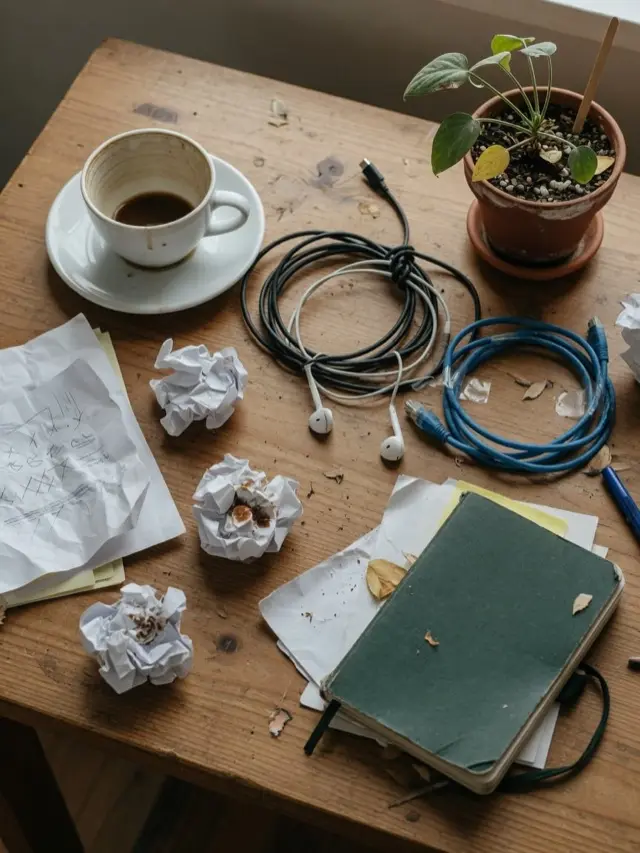
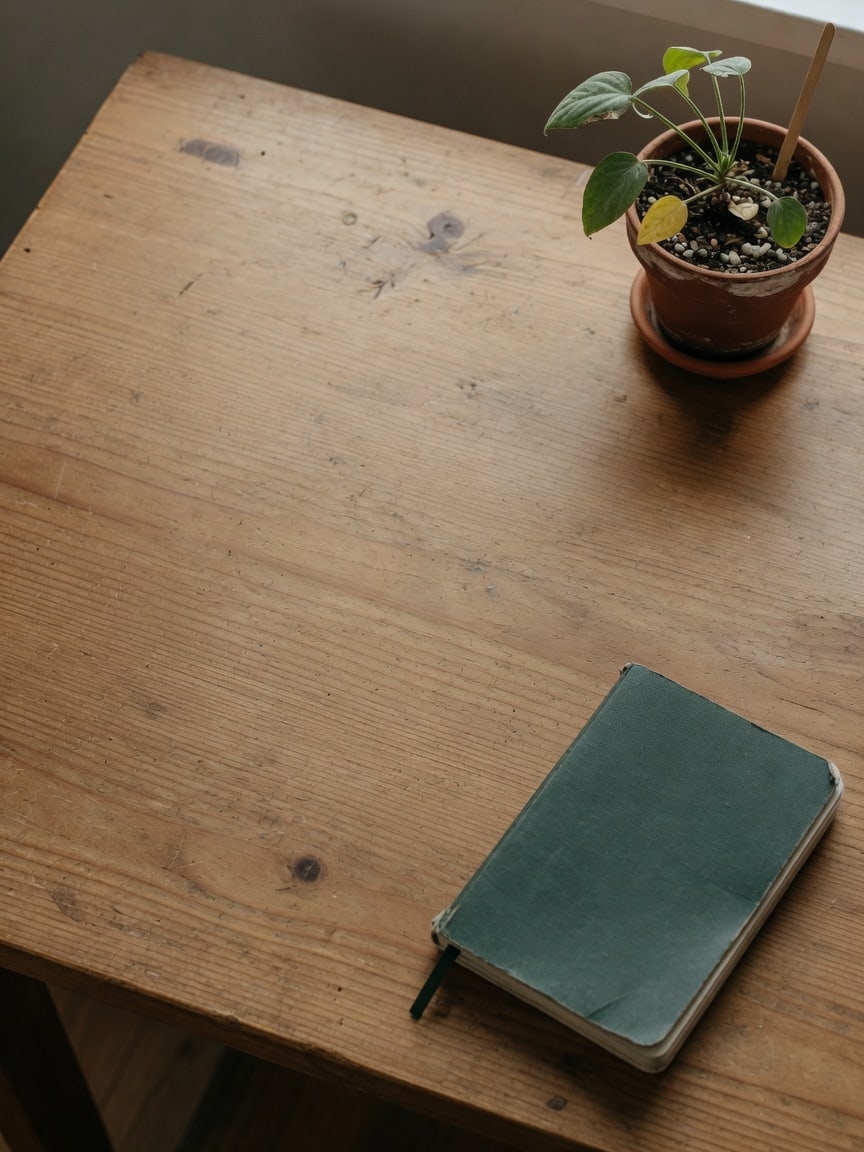
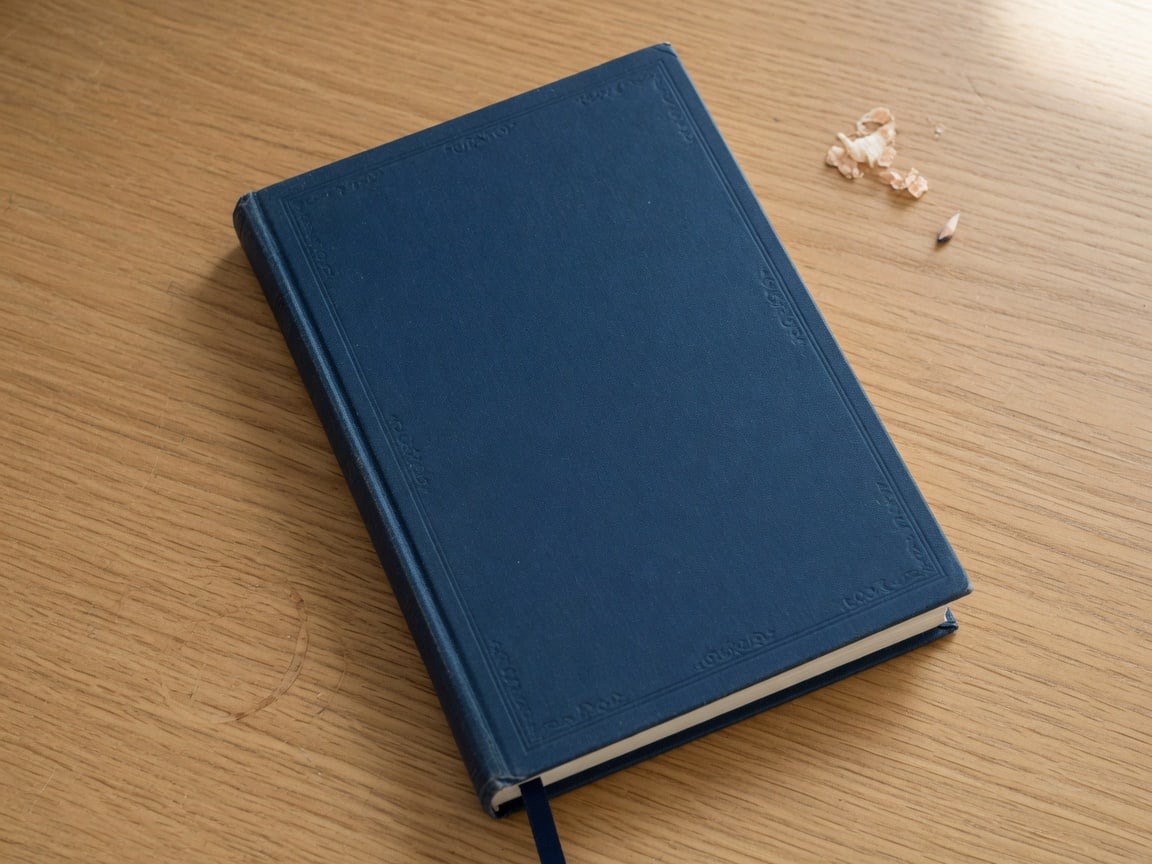
prompt: clear the clutter, leave the notebook and plant
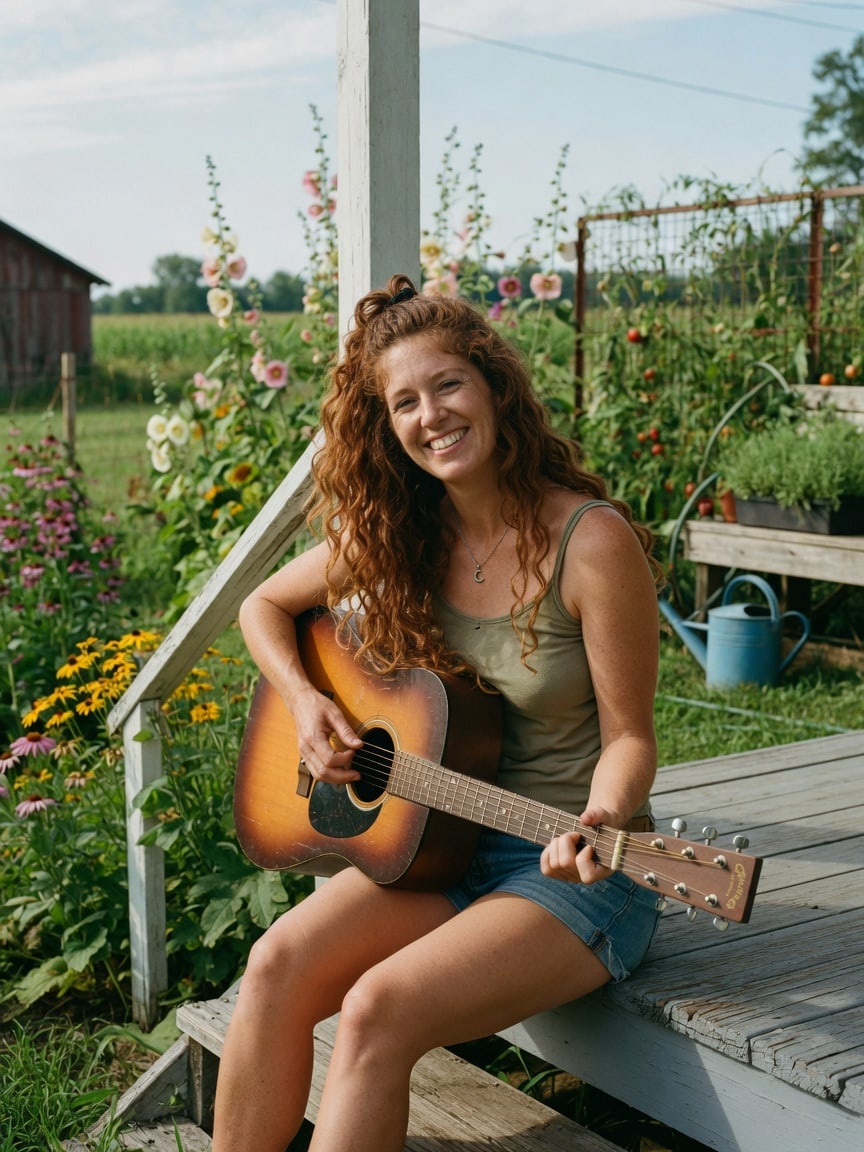
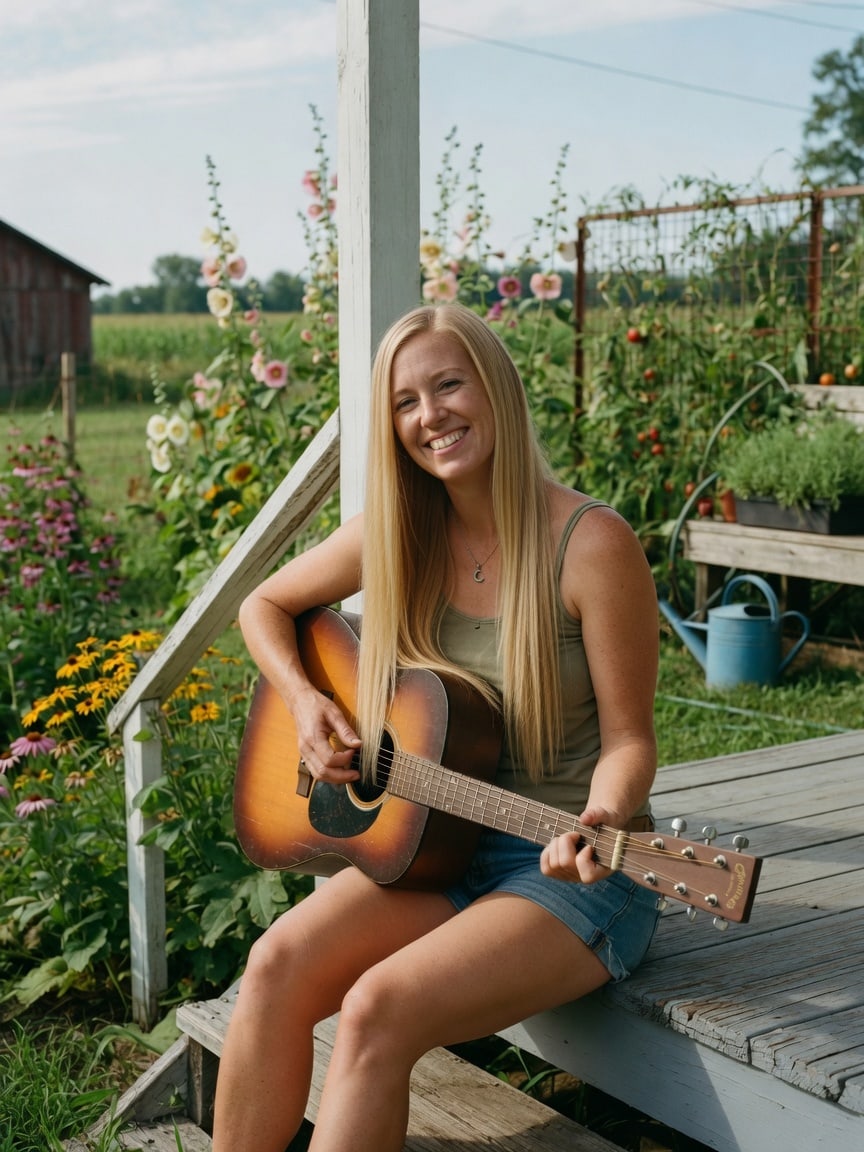
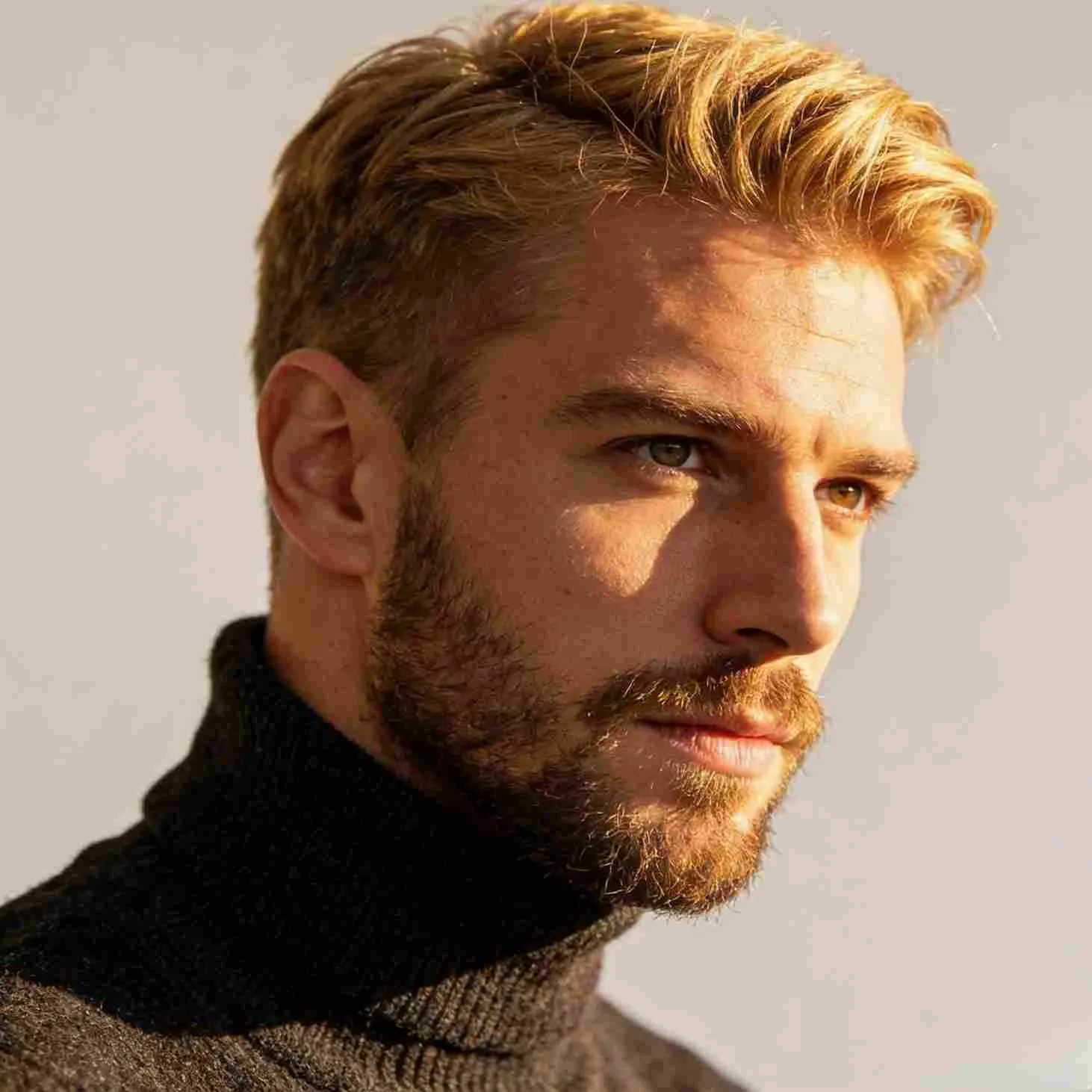
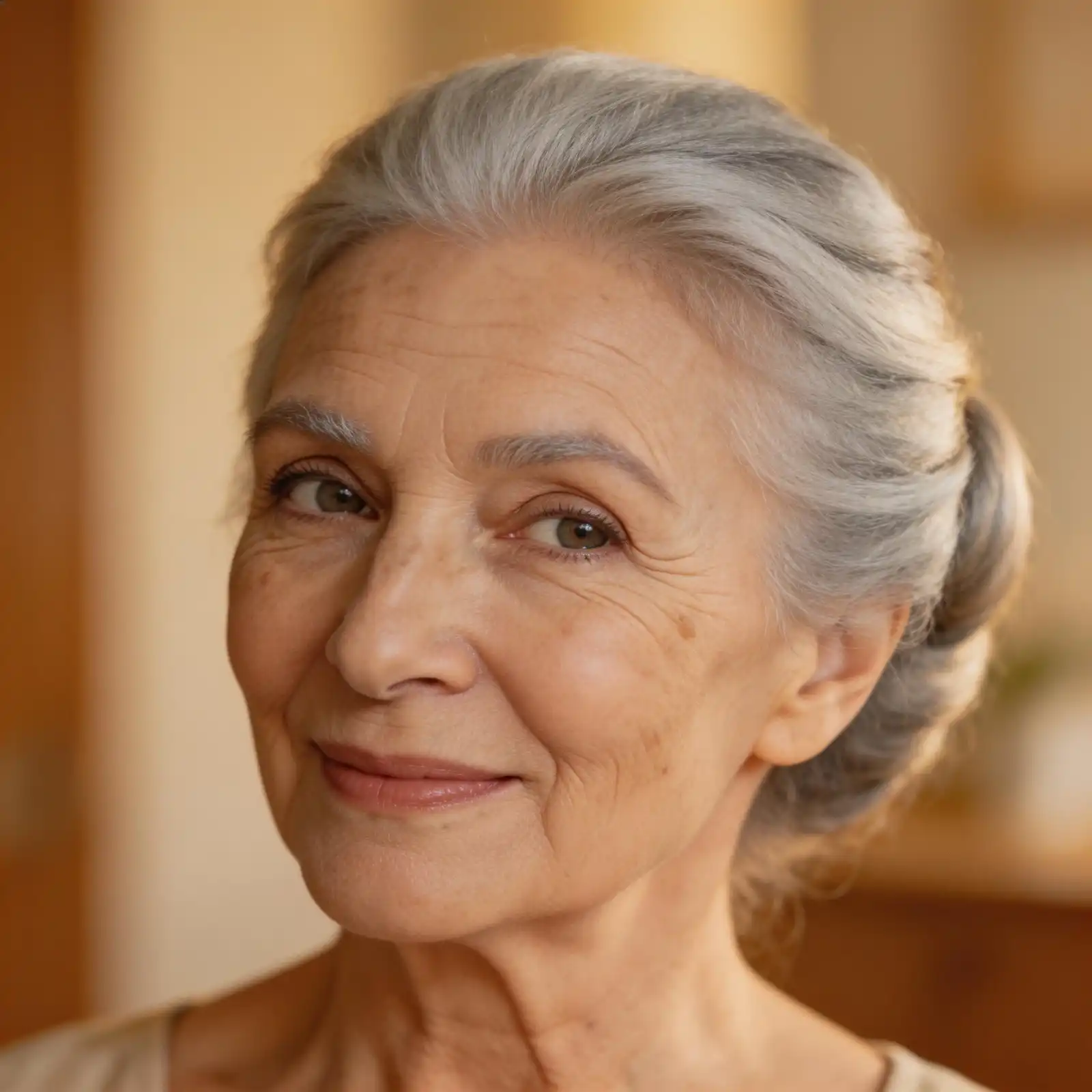
prompt: change her hair to straight blonde
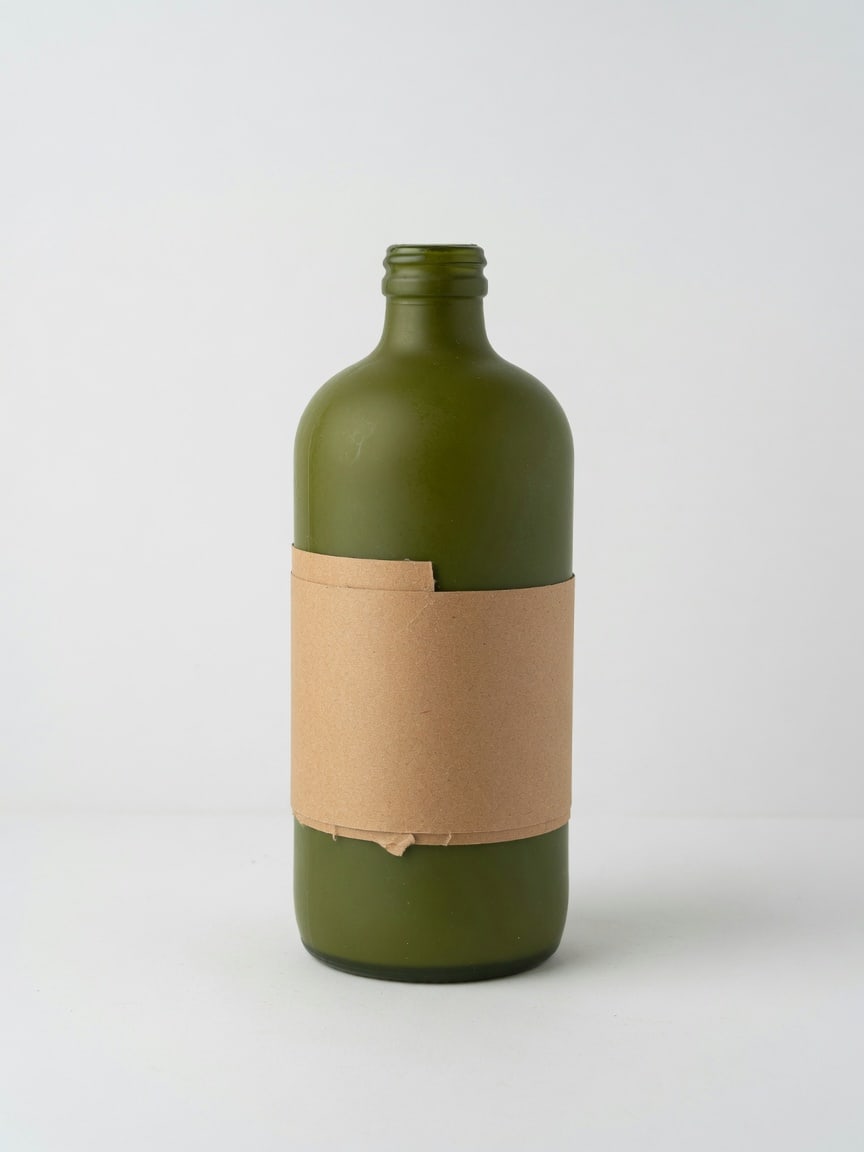
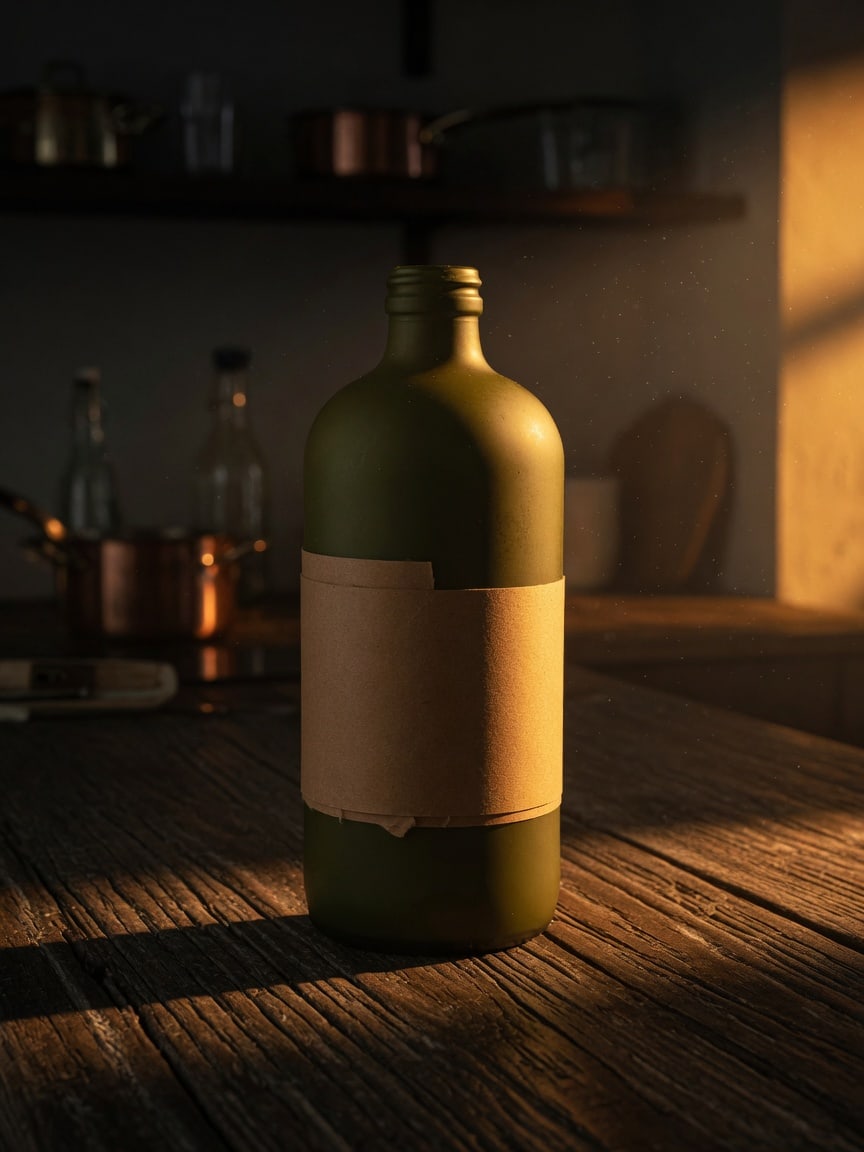
prompt: put this bottle on a kitchen table in warm evening light
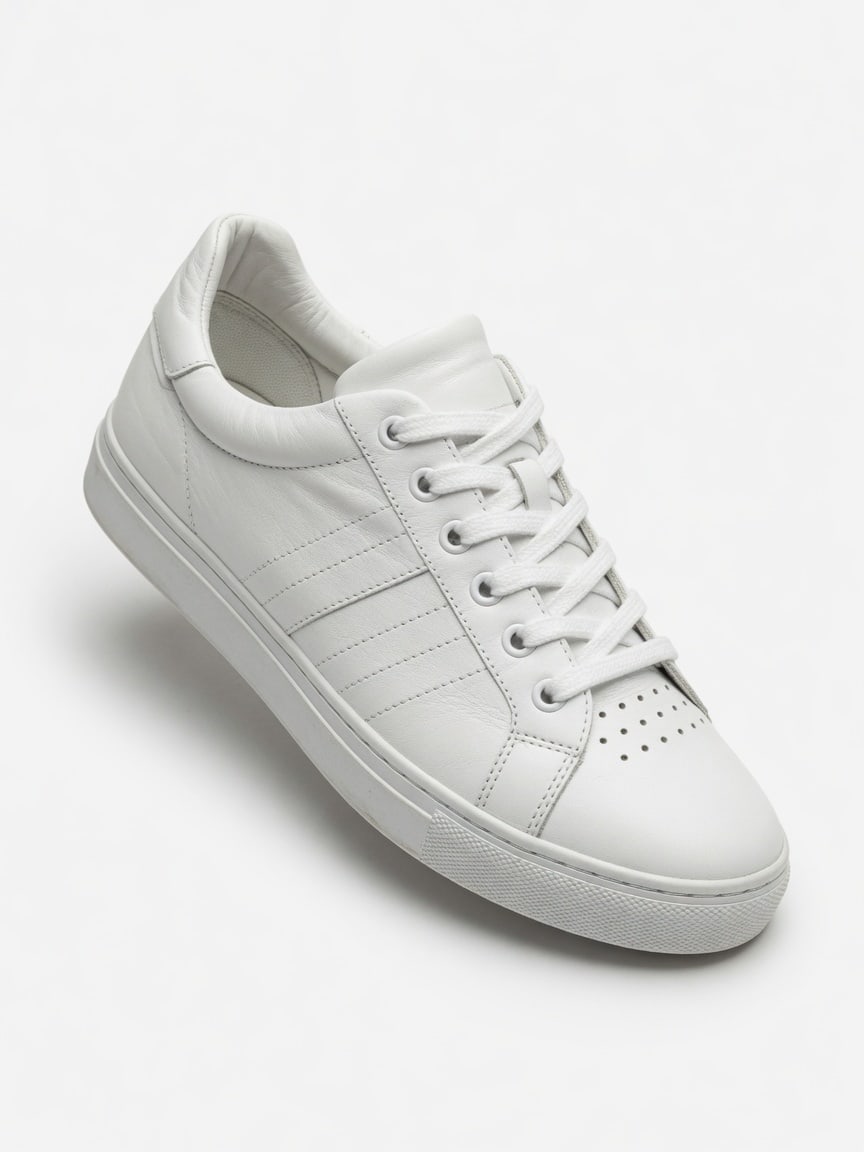
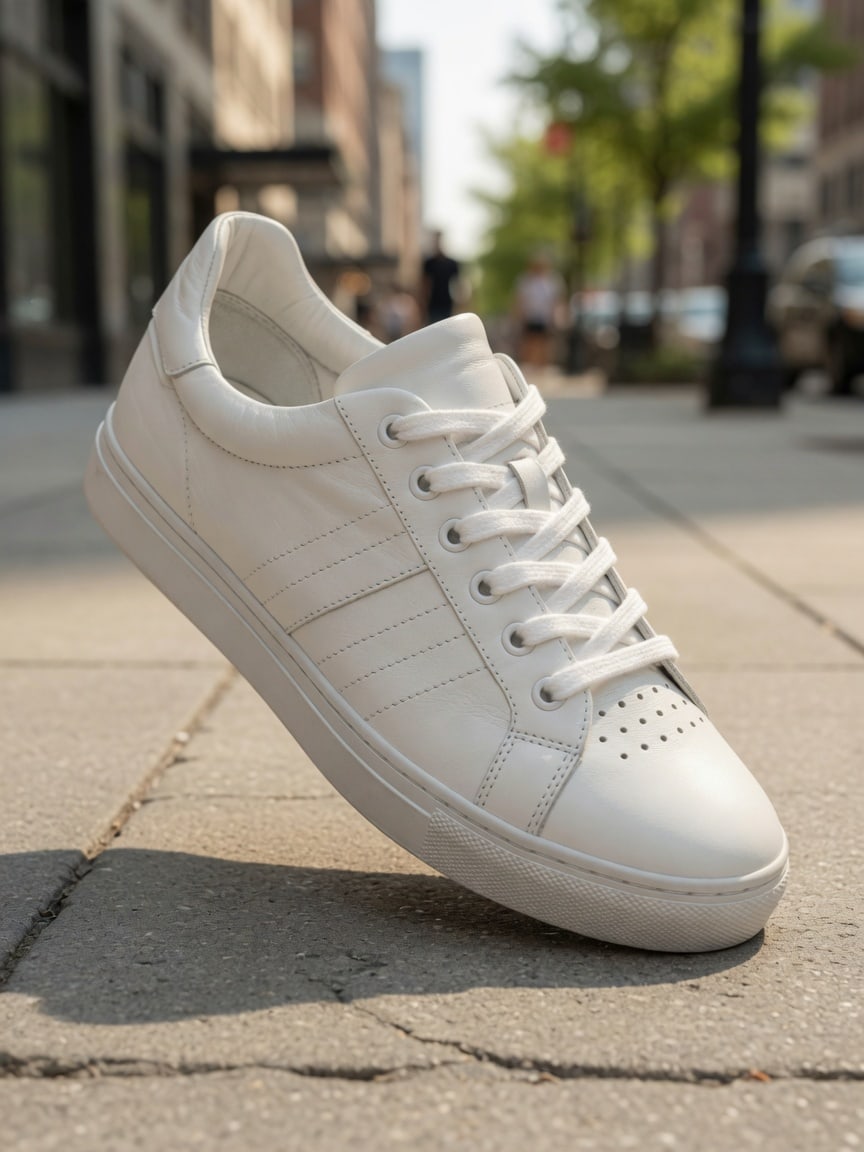
prompt: place the sneaker on a city sidewalk
4.9/5 from 10,000+ happy creators
Trusted by innovative teams at
Free AI Photo Editor Online for the Same Subject in a New Scene
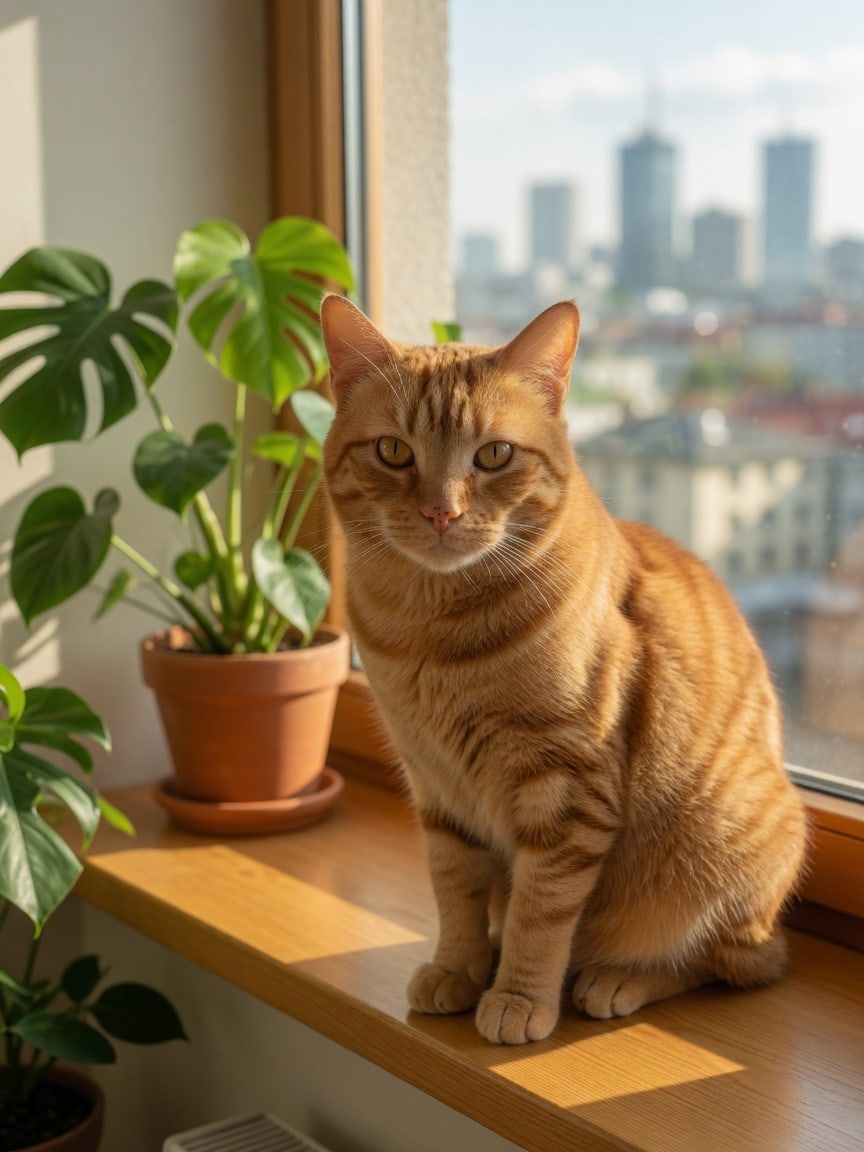
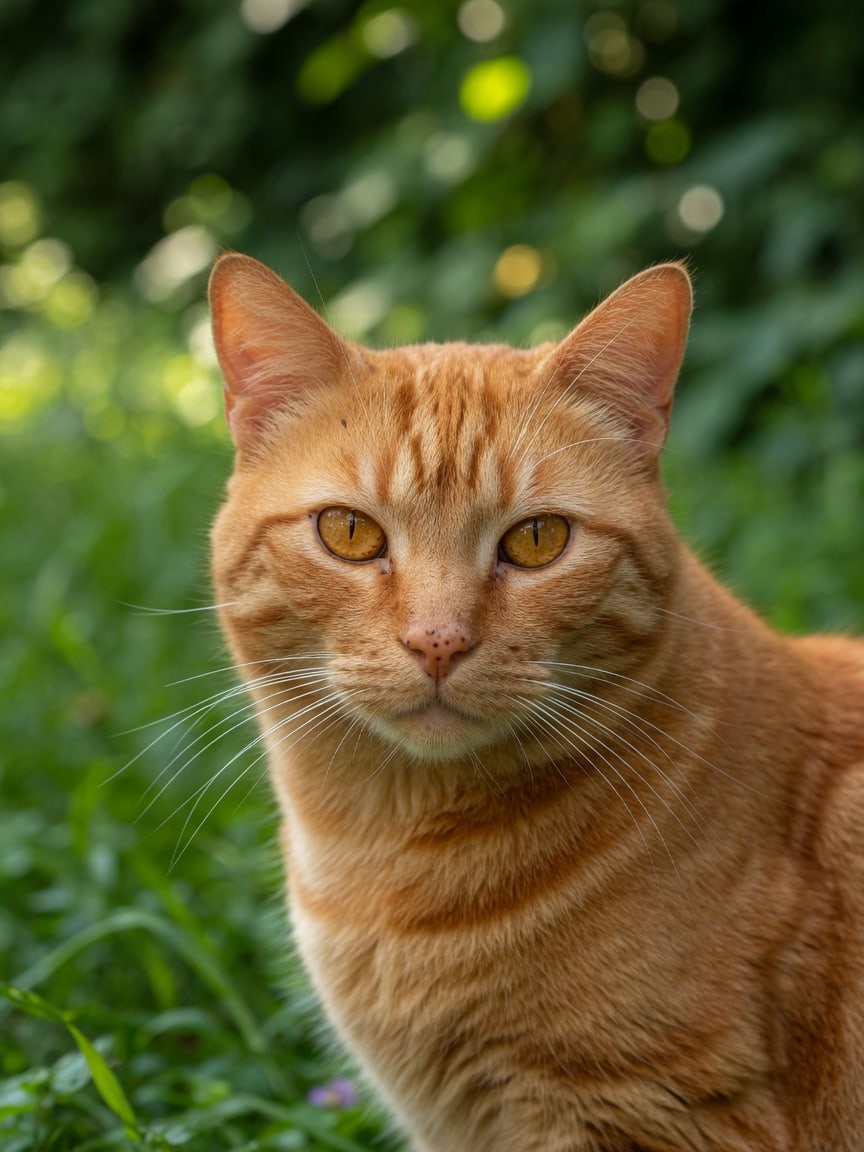
This free AI photo editor online is for a simple job: keep the subject and change the place. You already have a close-up of the cat. You write that you want the same animal on a sunny windowsill with a plant and city light. The AI photo editor generates a new still from that prompt. It is not a guaranteed identity lock and it is not a pixel-perfect mask. Check the face and markings, then download the draft. Sign in for 5 credits a day. That is how this AI image editor stays useful for pet posts, story frames, and everyday portraits — a first look, not a finished retouch.
The cat sits ona sunnywindowsill
Catalog-to-Lifestyle Drafts with This AI Photo Editor
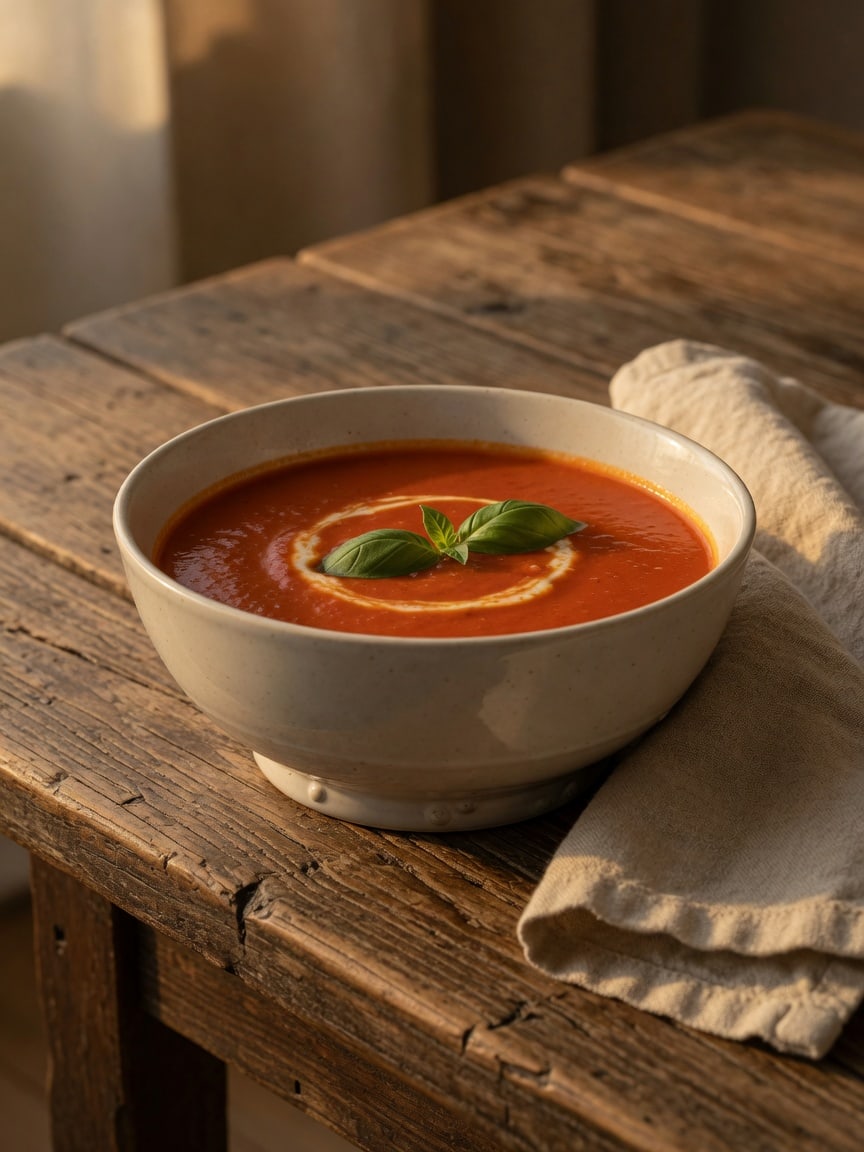
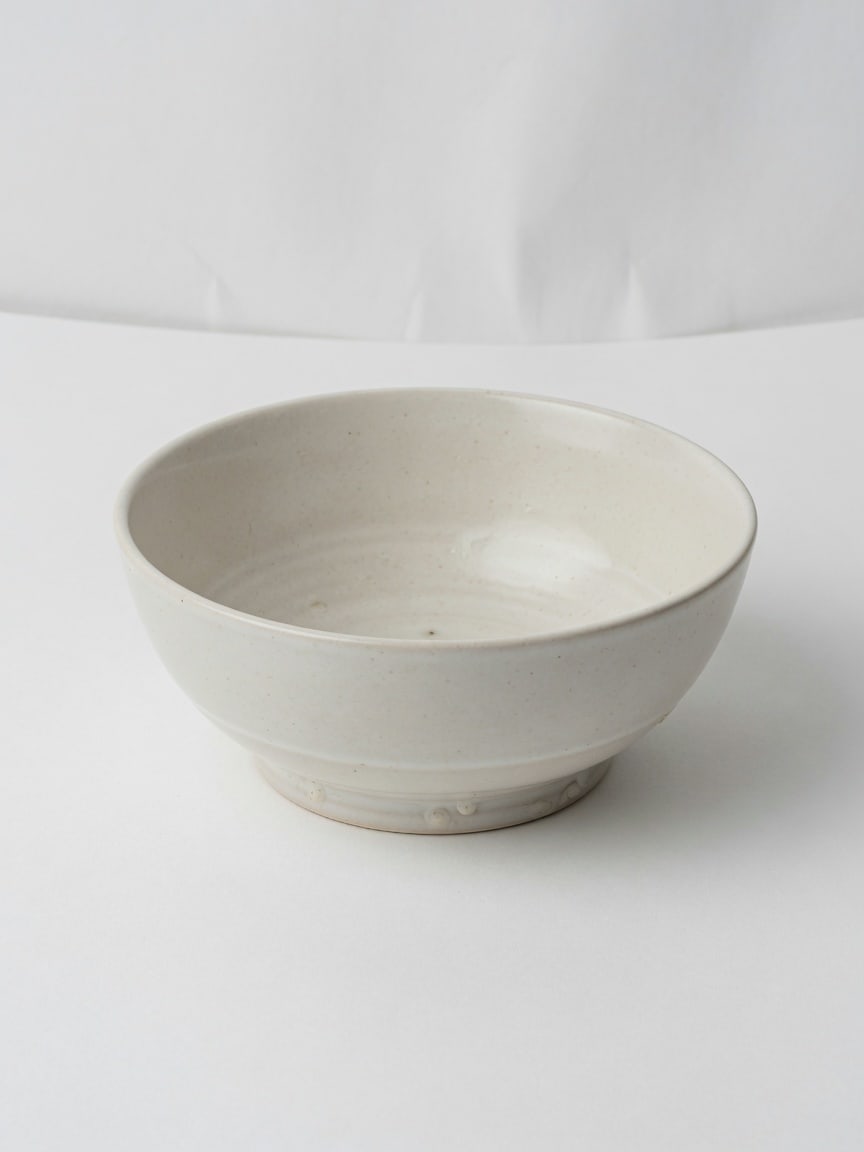
Sellers and food brands often have one clean catalog frame and need a lifestyle still the same week. A white sweep is fine for a listing. For a dinner story, tell this free AI photo editor online you want tomato soup, a linen napkin, and warm evening light. The tool generates the table so you can judge the glaze before you book a real shoot. Check the rim, the color, and the bowl shape. The generate path is the prompt box. This AI image editor will not invent accurate nutrition claims or packaging type — it gives you a draft you can accept or throw away.
The bowl is servedat a dinner tableat dusk
AI Photo Editor for Product Photos Without a Reshoot
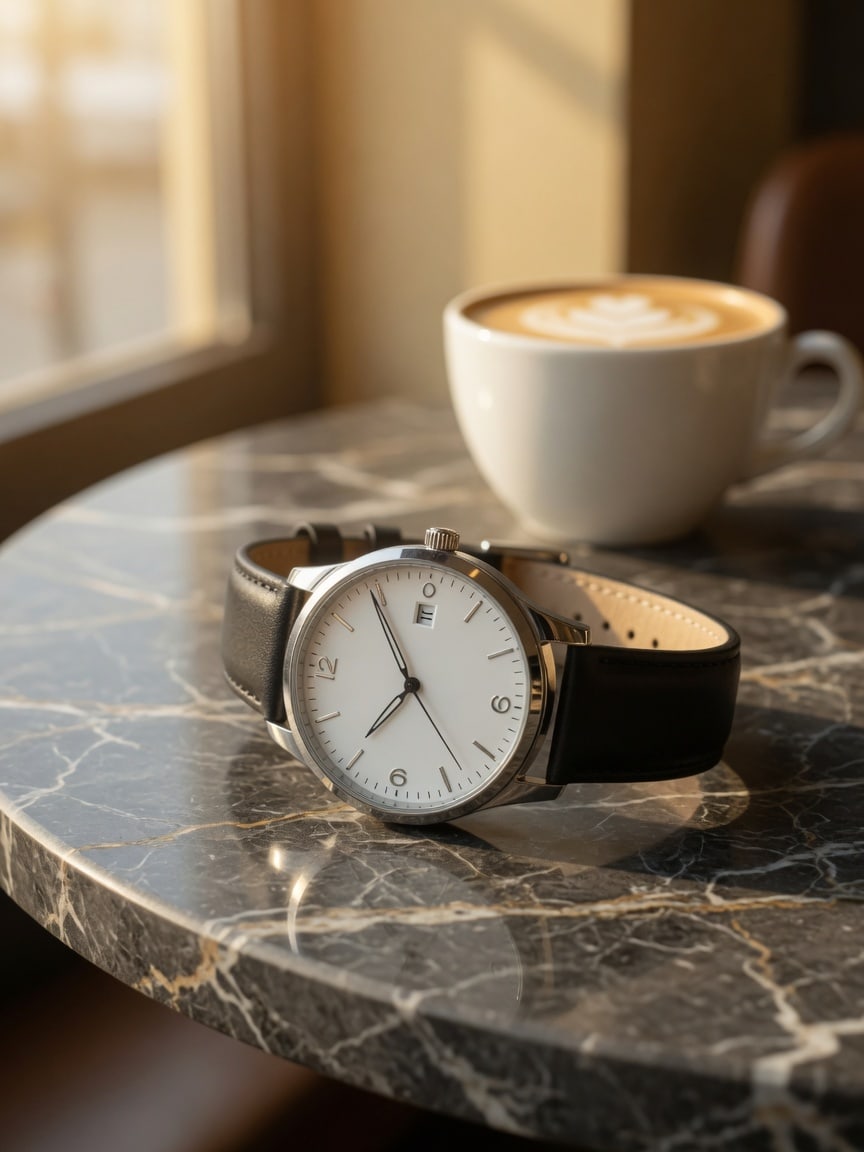
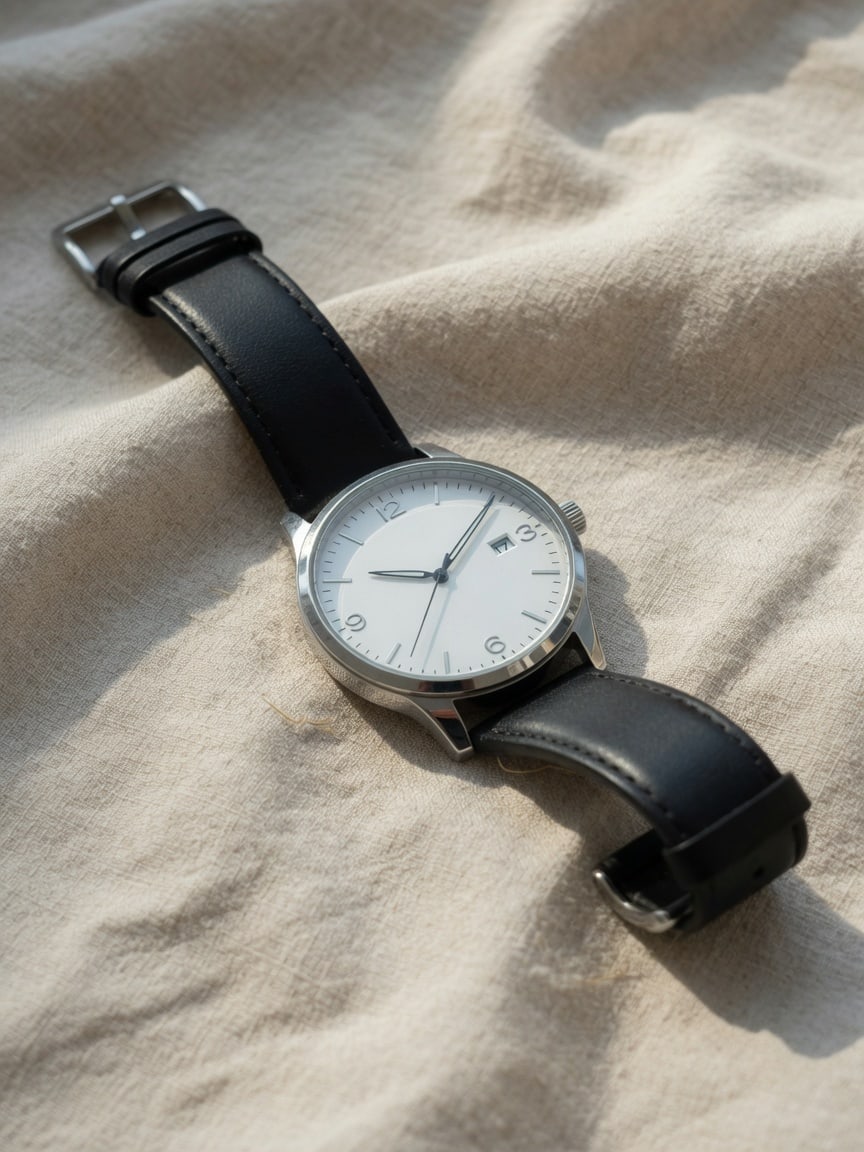
Product stills on linen feel empty when you need a cafe story for a landing page. Ask this AI photo editor for dark marble, a coffee cup, and window light. Generate, then check the case and strap still read as the same watch. Everyday product drafts are why people keep this page open in the browser. You do not install a suite. You do not wait on a studio day to see if the idea works. This AI image editor is a prompt-to-photo pass: write the scene, get a still, decide if the direction is worth a real photograph.
The watch sits oncafe marbleby the window
Free AI Image Editor Looks for Social and Travel Posts
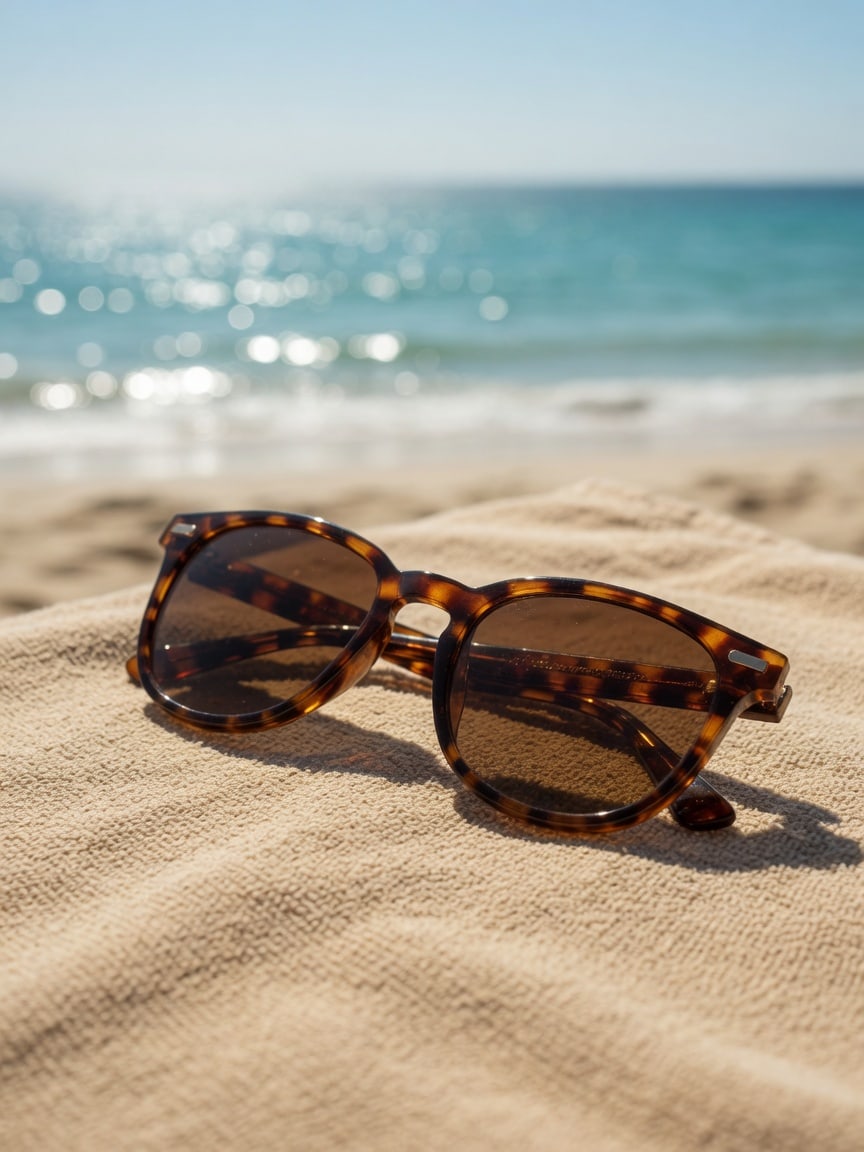
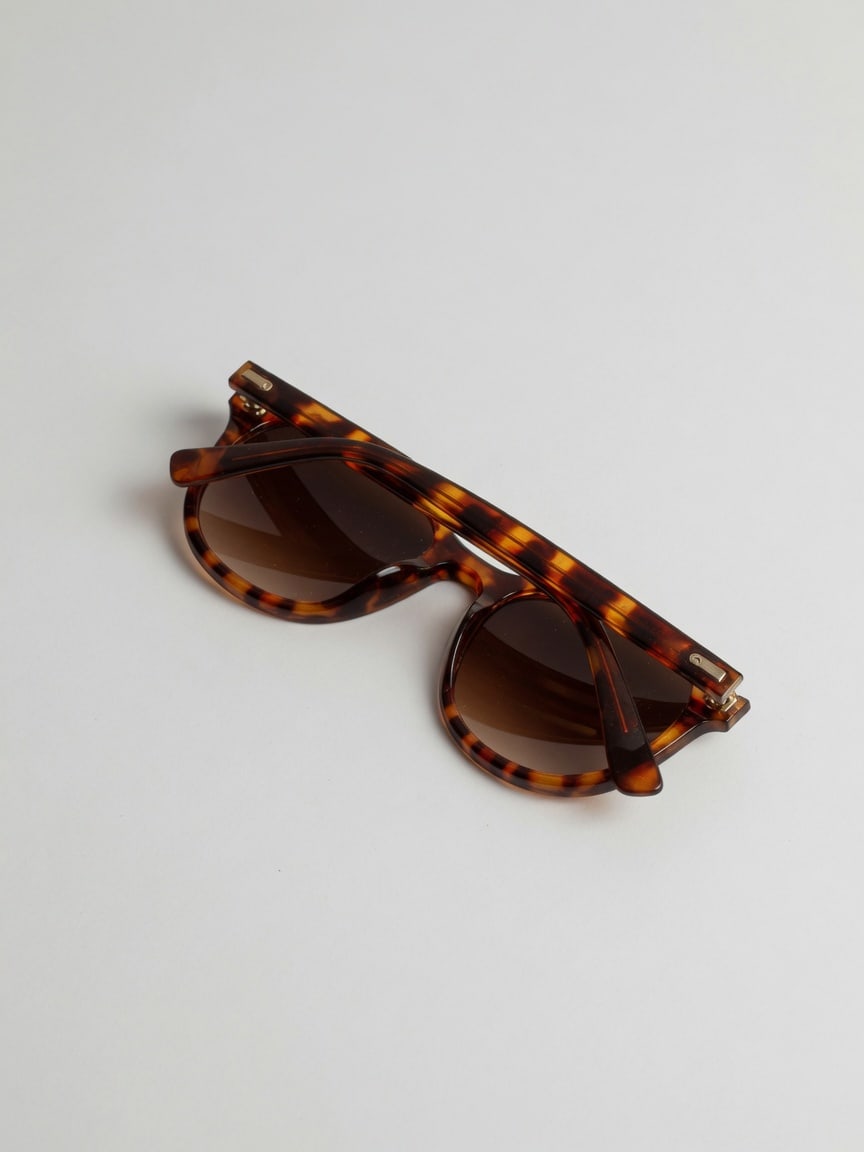
White-sweep eyewear is fine for a listing. For a summer post, describe a beach towel and ocean light. This AI photo editor builds a new still from the prompt. Review the frame shape before you publish. Creators use this free AI photo editor online the same way they use a mood board: fast, disposable, then a real camera if the idea holds. Sign in for 5 credits a day. Failed runs are not charged. The AI image editor does not apply a locked “viral filter.” It writes a photo from the words you type.
The sunglasses reston a beach towelin hard sun
Background and Scene Change with a Free AI Photo Editor
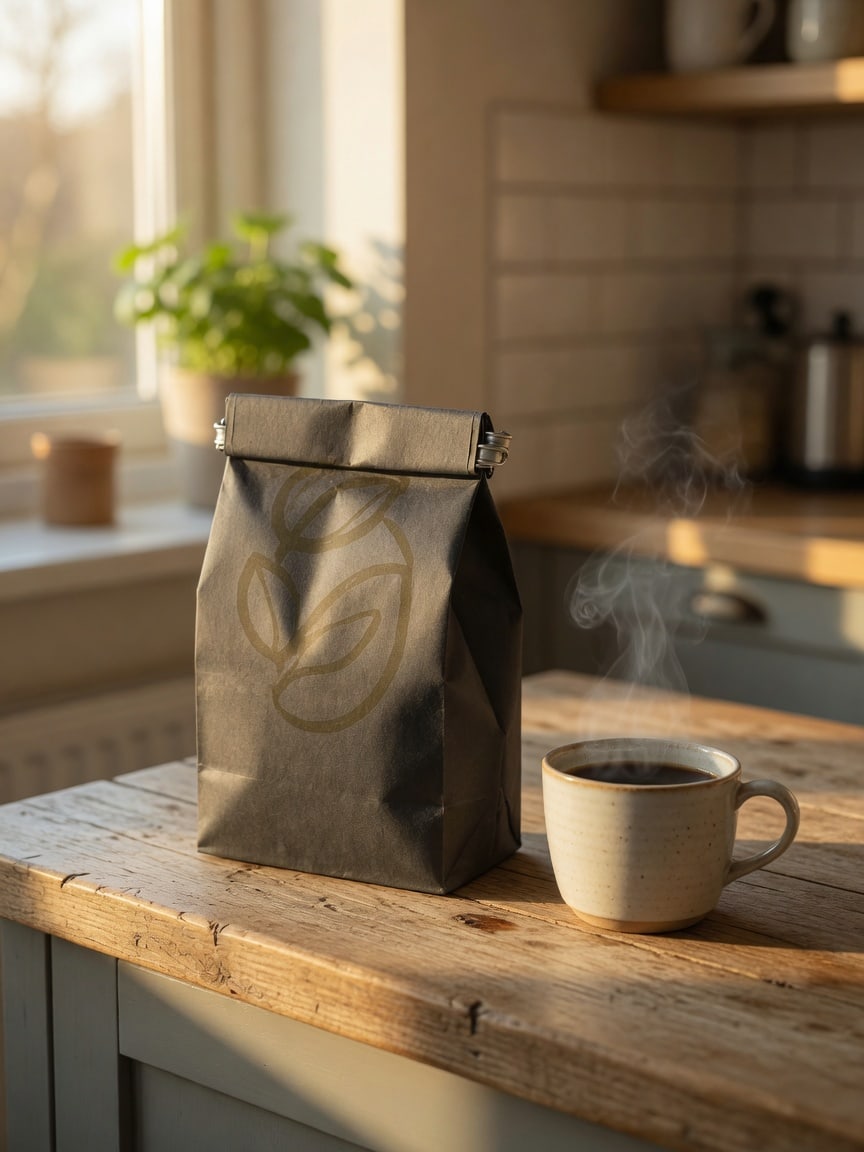
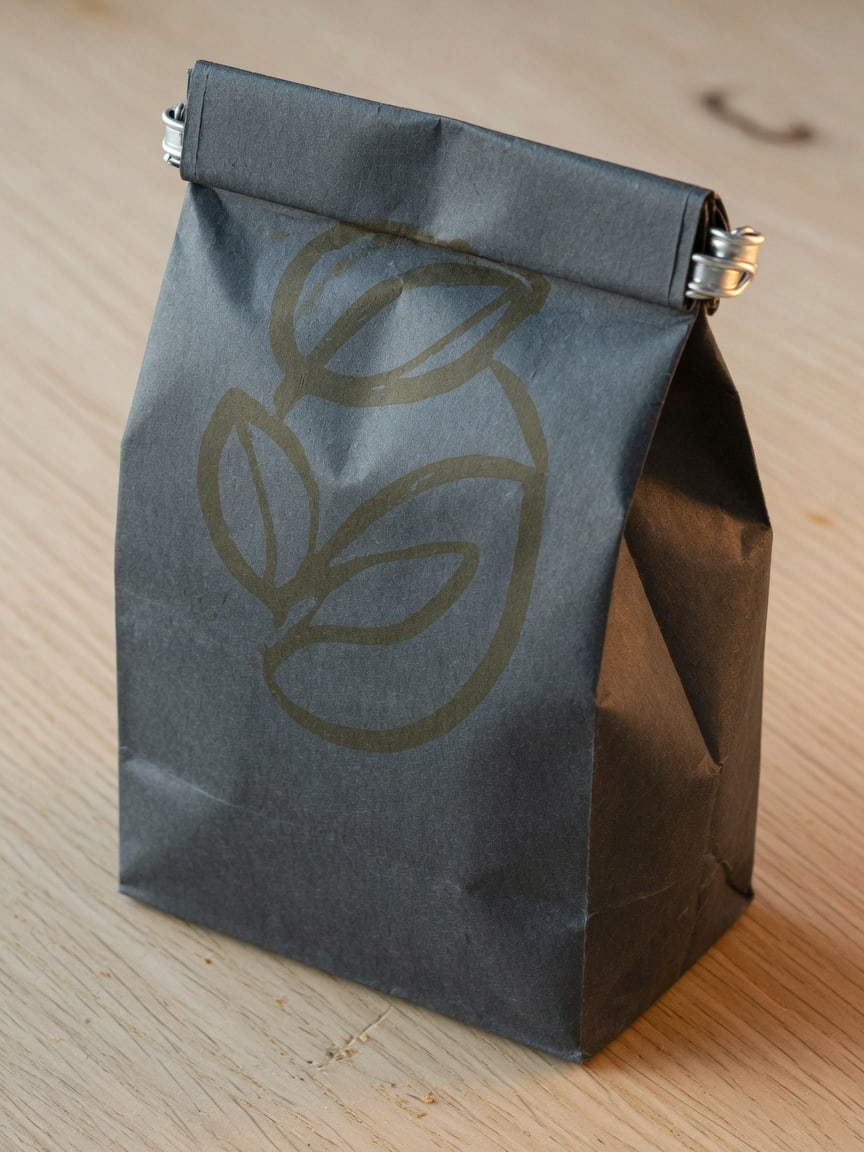
A coffee bag on a table is one photo. A coffee bag in a morning kitchen is another. This free AI photo editor lets you describe the second scene instead of clearing the real counter. Write the window light, the mug, and the wood. Generate. Check that the bag still looks like the same pack. Scene change is the job this AI image editor is built for: not a cutout guarantee, not a 4K poster, a new still from a prompt you try in the browser after you sign in.
The coffee bagsits in amorning kitchen
Why people use this AI photo editor
This page is a browser tool for everyday photo drafts. You do not install an app. Your first try is free with no sign-in; after that, sign in with Google to generate. Write the scene in the prompt — a pet in a new window, a bowl on a dinner table, a watch in a cafe — then generate. People use it when they need a first look fast. Check the subject before you post. You get 5 credits each day you sign in. The difference versus a chat window is focus: you come here to make a still, not to talk. The difference versus a desktop suite is speed: one prompt, one draft, then you decide if the idea is worth a real reshoot. The difference versus “unlimited free” tools is that we say 5 credits a day, then a pack.
Free trial: 5 credits a day
Open this AI photo editor online and try it once with no sign-in. No desktop install. Then sign in with Google and you get 5 credits that day, automatically — no check-in button. Come back tomorrow for another 5.
Prompt-first, honest limits
The working path is the prompt box. This AI photo editor generates a new still from what you describe. We do not promise local inpainting, locked faces, 4K print files, or unlimited runs. The site is served over HTTPS. Review every result before you publish.
Everyday scenes, then credits
Sellers, parents, and small shops use this free AI photo editor to try a quieter listing, a new look, or a product in another room. Sign in for 5 credits a day. Failed generations are not charged. There is no unlimited free plan.
How to use this AI photo editor online
Three steps. Open the editor. Describe the photo. Generate a draft and download it. It lives in the browser — Chrome, Safari, Edge, or Firefox. No install. You do not pick among six model names. You do not have to upload a file for the current generate path to run. You type. You generate. You download. If the draft is wrong, you change the prompt and try again.
1
Open the editor
Go to aiphotoreditor.com. This free AI photo editor online does not need an install. The generate path is the prompt box on the page: subject, scene, and style.
2
Describe the scene in a prompt
Write the subject and the change: place the cat on a sunny windowsill, put the watch on cafe marble. The more concrete the prompt, the clearer the draft.
3
Download and reuse
Click generate. Check faces, labels, and counts. Download the draft. Use this AI photo editor as a starting point, not a finished legal or print file.
Real-World Use Cases for This Free AI Photo Editor
Four everyday jobs. An AI photo editor for store listings, social posts, campaign drafts, and personal photos. Same prompt box. Same browser. Same rule: generate a draft, then check the subject before you publish. This AI image editor is not a desktop suite and it is not a chat bot. Each card below is a real job, not a slogan: a listing still, a social frame, a campaign mock, a personal album draft. Write the scene. Generate. Keep or throw away.
E-commerce & Online Stores using This AI Photo Editor
Sellers use this AI photo editor free to turn a raw tabletop shot into a listing draft: a quieter surface, a dinner-table story, a catalog sweep. You describe the light. You generate. You check the product still looks like the same object. This AI image editor will not replace a retoucher for legal claims or tiny type on packaging, but it is fast enough to fill a storefront mock before you reshoot. Sign in for 5 credits a day.
Social Media & Content Creators seeking a Free AI Image Editor
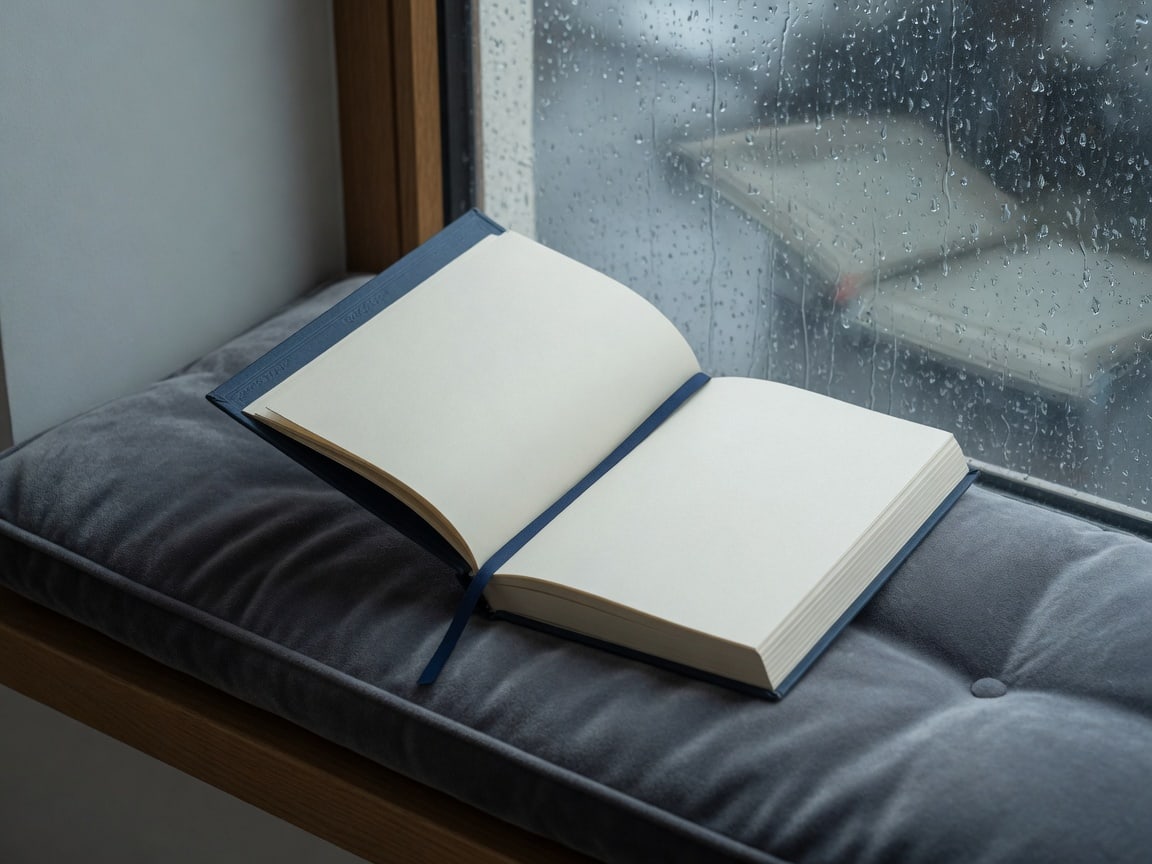
Creators use this free AI photo editor online when they need a scroll-stopping still the same afternoon. Describe a beach towel, a rainy window, or a party table. Generate a draft in the browser. The AI image editor does not apply a locked viral filter. It writes a new photo from your prompt. Check the result, then post or try again. No install. Sign in for 5 credits a day.
Professional Marketing with This AI Photo Editor
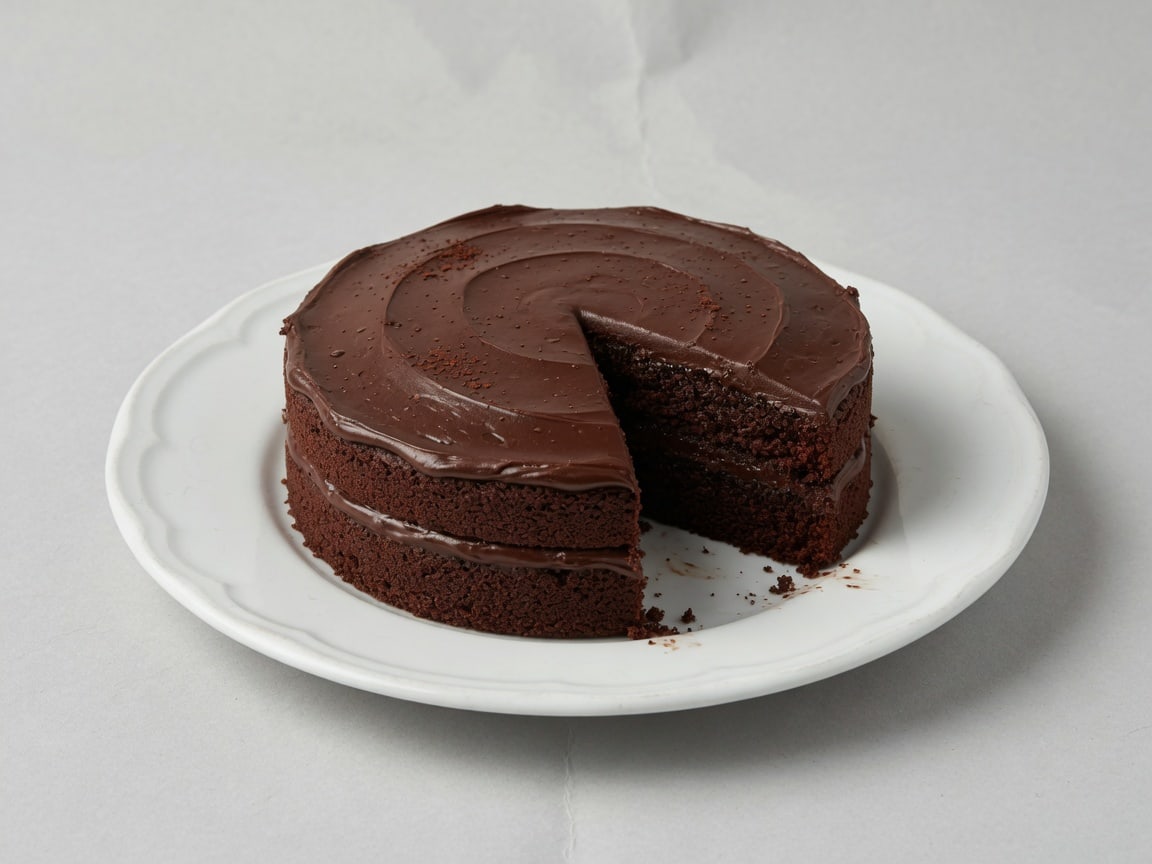
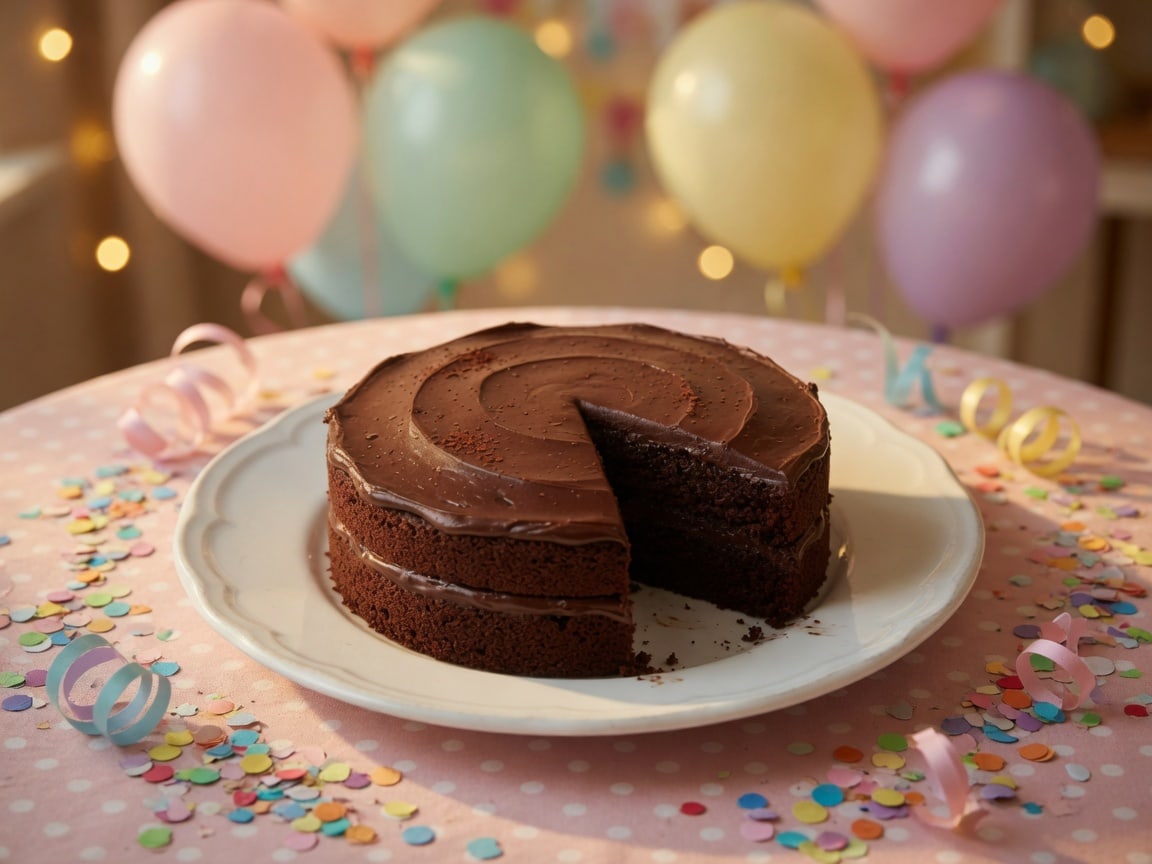
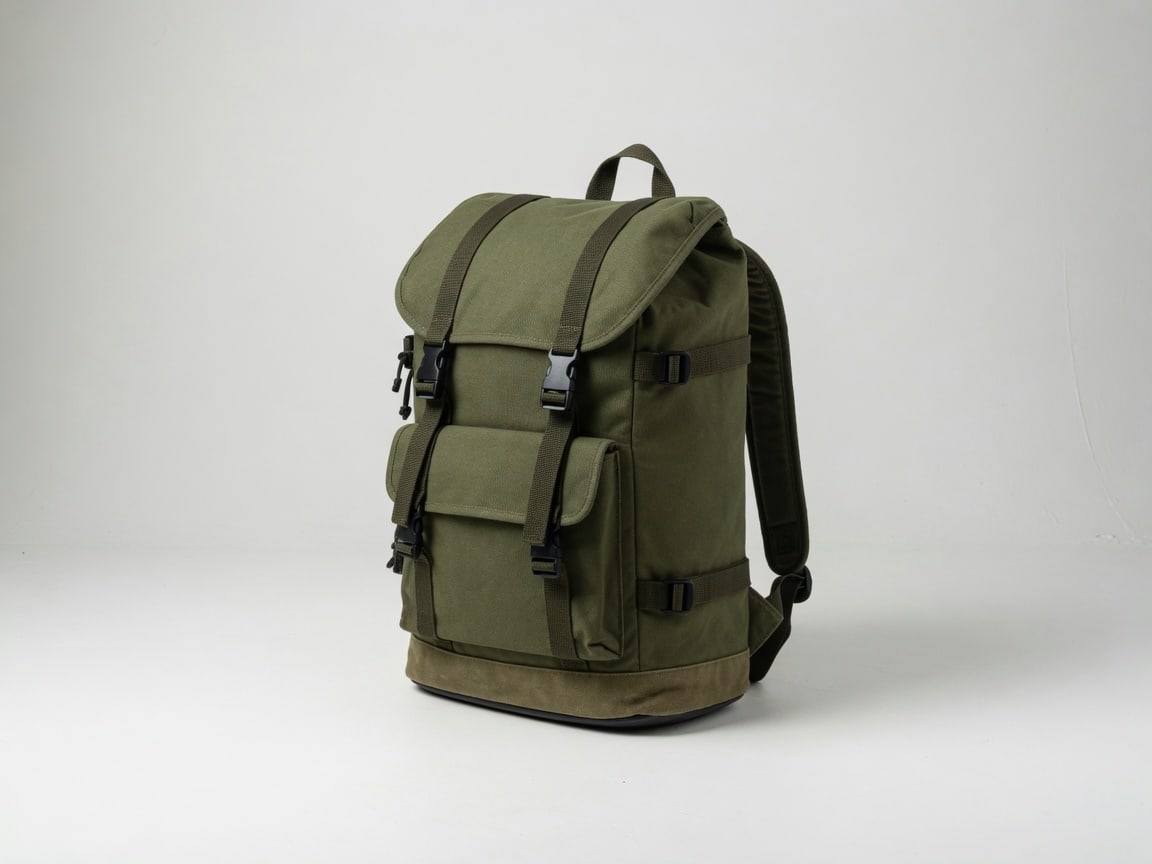
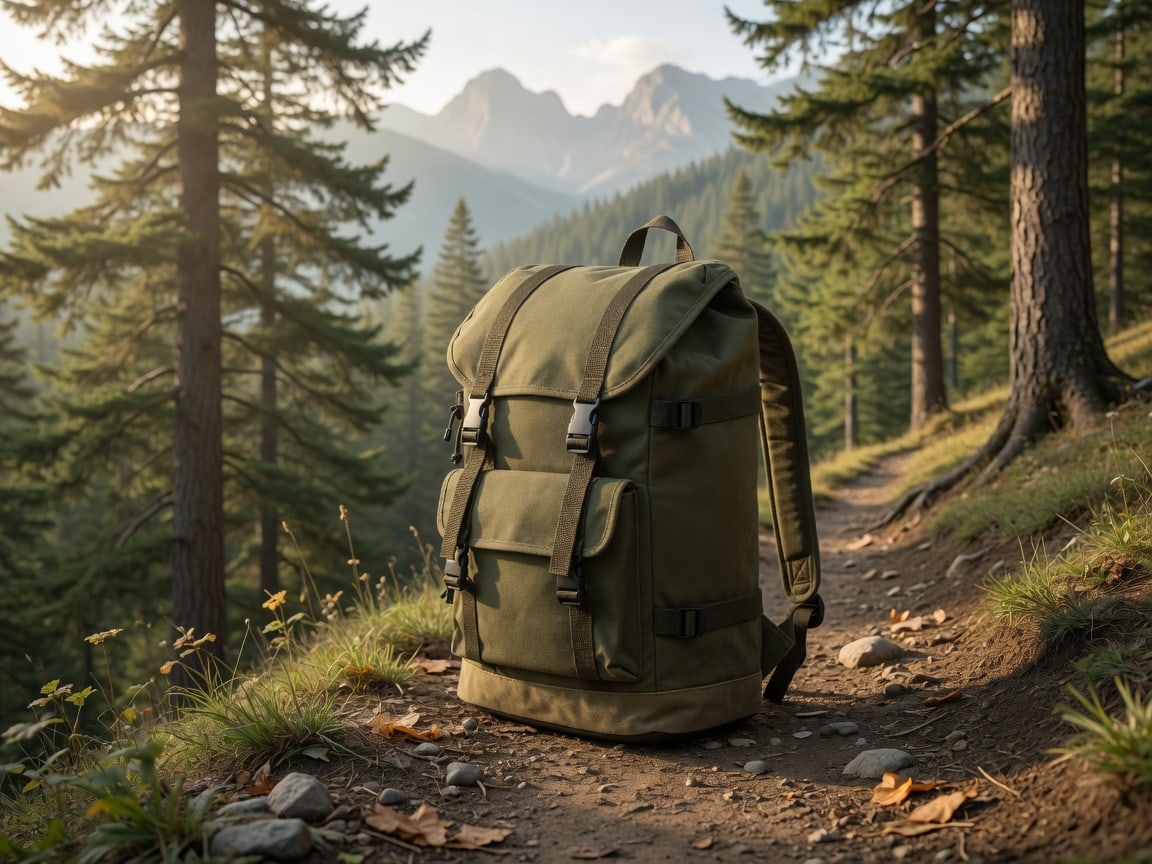
Teams use this AI photo editor when they need a campaign still without waiting on a studio day. A watch on cafe marble. A backpack on a trail. A cake on a party cloth. Write the scene, generate, and drop the draft into a slide. Credits replace fake unlimited plans. Review logos and claims before anything goes live. This AI image editor is a first look for banners and ads, not a finished print file.
Photography & Personal Use via AI Photo Editor Online Free
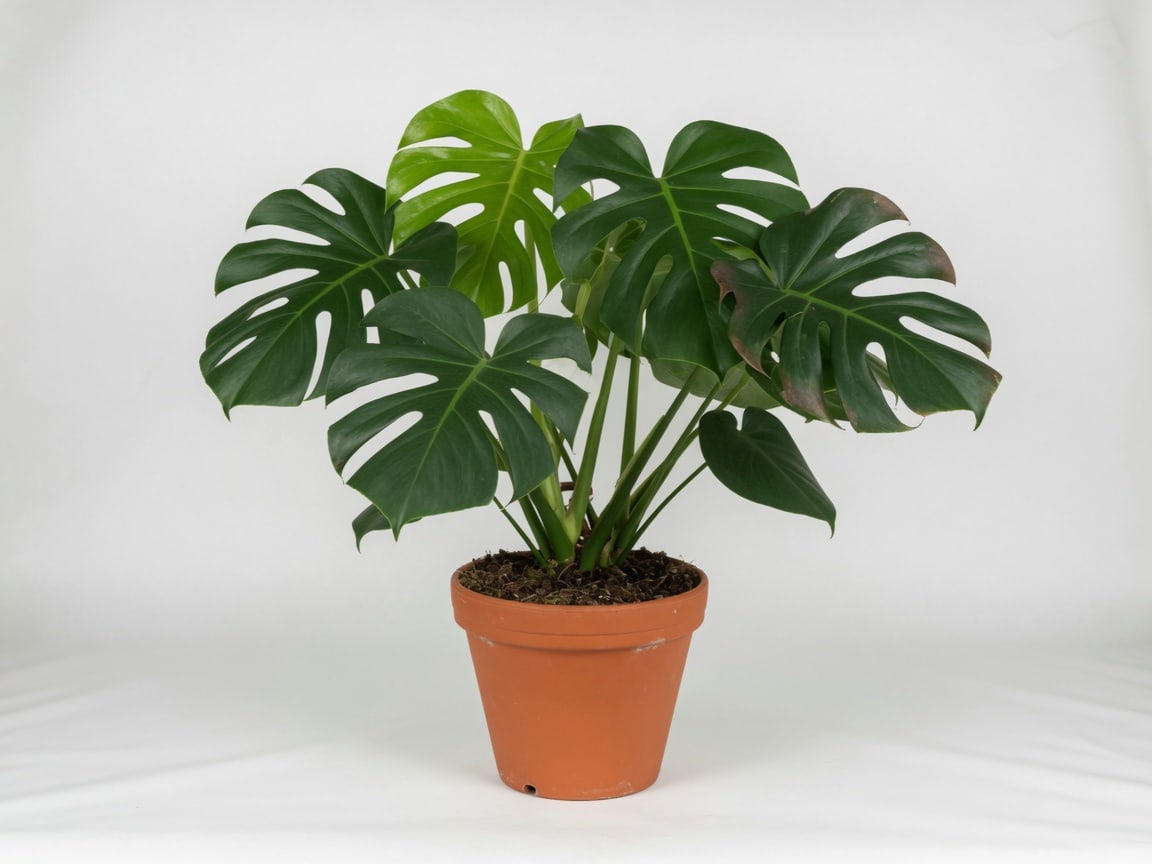
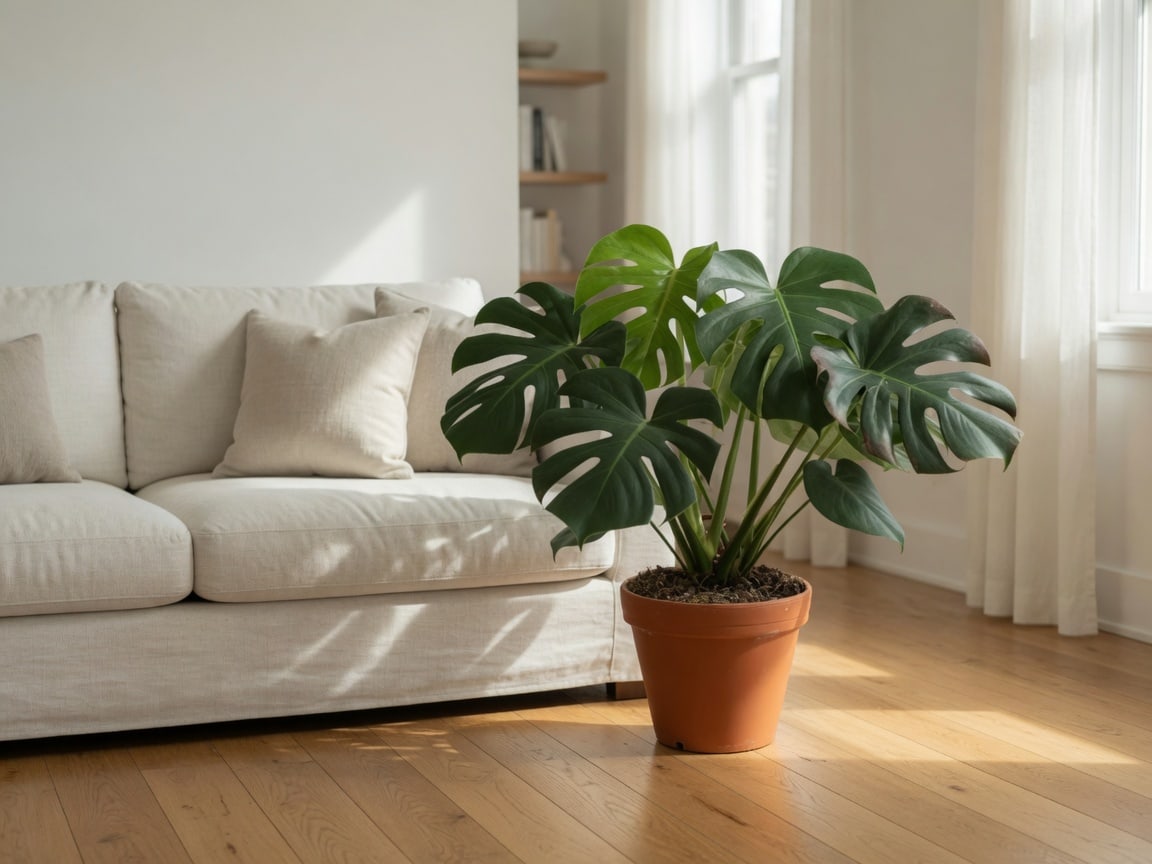
This AI photo editor online free is also for personal work: a plant in a nicer room, a book by the window, a travel still with better light. You do not need a course in layers. Type the change. Generate. Download. The AI image editor is a first look, not a finished album print. Sign in for 5 credits a day. Sign in also keeps a vault of generations.
Everyday jobs for this AI photo editor
These are ordinary jobs, not slogans. A marketplace seller uses the prompt box when the table is messy and the listing is due tonight. A parent wants a pet in a nicer window. A shop wants the same object on a dinner table. None of those jobs need a 40-hour course in layers. They need a draft they can reject or keep. Write one prompt. Look at the result before you publish. That is the loop.
Marketplace seller
Reseller
"I describe each thrift find as a clean white listing shot. This AI photo editor gives me a draft I can post the same afternoon, after I check the garment."
Social seller
Instagram Influencer
"I write the room, the light, and the product for Instagram. The lifestyle drafts look like a shoot I did not have time to book."
Food brand
Bakery Owner
"I asked for a wide pastry banner and a square listing from the same tart description. Two drafts, two channels, no extra shoot."
Small studio
Educator
"I use it to mock classroom product shots for a small studio class. Students see a listing draft in one prompt, then we talk about what still needs a real camera."
Student maker
University Student
"Five credits a day is enough for a class mockup. I describe the object, generate a clean catalog frame, and drop the draft into the slide."
Freelance designer
Designer
"I still finish type in a design tool. For a first lifestyle scene around a product, a prompt here is faster than opening a full suite."
Listing manager
Realtor
"I generate extra listing angles from a furniture description when the client only sent one photo. I never publish without checking the product."
Jewelry shop
Jewelry Designer
"I describe metal, stone, and a linen surface. The jewelry drafts are good enough to pick a direction before I book a real tabletop."
DTC founder
Tech Founder
"We generate catalog and lifestyle pairs for the same SKU before we spend on a photographer. Drafts, not final ads."
Marketplace seller
Reseller
"I describe each thrift find as a clean white listing shot. This AI photo editor gives me a draft I can post the same afternoon, after I check the garment."
Social seller
Instagram Influencer
"I write the room, the light, and the product for Instagram. The lifestyle drafts look like a shoot I did not have time to book."
Food brand
Bakery Owner
"I asked for a wide pastry banner and a square listing from the same tart description. Two drafts, two channels, no extra shoot."
Small studio
Educator
"I use it to mock classroom product shots for a small studio class. Students see a listing draft in one prompt, then we talk about what still needs a real camera."
Student maker
University Student
"Five credits a day is enough for a class mockup. I describe the object, generate a clean catalog frame, and drop the draft into the slide."
Freelance designer
Designer
"I still finish type in a design tool. For a first lifestyle scene around a product, a prompt here is faster than opening a full suite."
Listing manager
Realtor
"I generate extra listing angles from a furniture description when the client only sent one photo. I never publish without checking the product."
Jewelry shop
Jewelry Designer
"I describe metal, stone, and a linen surface. The jewelry drafts are good enough to pick a direction before I book a real tabletop."
DTC founder
Tech Founder
"We generate catalog and lifestyle pairs for the same SKU before we spend on a photographer. Drafts, not final ads."
Ops lead
HR Director
"I keep a short prompt library for our SKUs so ops can request a white sweep or a shelf scene without opening a design file."
Content lead
Content Strategist
"When a client only has a verbal product brief, I generate a first frame here and mark what the real shoot still has to capture."
Catalog shooter
Pet Photographer
"Pet-product listings need a quiet set. I prompt a basket, a wood floor, and the item — then I check that the product still looks like itself."
Growth marketer
Growth Marketer
"I ask for a 4:5 social crop and a square marketplace crop as two prompts. Faster than stretching one photo for every channel."
Brand designer
Graphic Designer
"Brand decks need a scene, not a stock site rabbit hole. I describe the product and the surface and get a draft in the browser."
eBay seller
eBay Seller
"I keep one lighting description and swap the product. My eBay drafts look like they belong in the same shop."
Shop owner
Community Organizer
"Shop posts need a new table scene every week. I reuse the same product words and change the season in the prompt."
Social lead
Social Media Lead
"I generate a Story-sized lifestyle draft, then write the caption. Daily login credits cover the first idea; a pack covers the rest."
Side project
Parent
"Side-project merch needed a listing photo. I described the mug on a beige sweep and downloaded a draft the same night."
Ops lead
HR Director
"I keep a short prompt library for our SKUs so ops can request a white sweep or a shelf scene without opening a design file."
Content lead
Content Strategist
"When a client only has a verbal product brief, I generate a first frame here and mark what the real shoot still has to capture."
Catalog shooter
Pet Photographer
"Pet-product listings need a quiet set. I prompt a basket, a wood floor, and the item — then I check that the product still looks like itself."
Growth marketer
Growth Marketer
"I ask for a 4:5 social crop and a square marketplace crop as two prompts. Faster than stretching one photo for every channel."
Brand designer
Graphic Designer
"Brand decks need a scene, not a stock site rabbit hole. I describe the product and the surface and get a draft in the browser."
eBay seller
eBay Seller
"I keep one lighting description and swap the product. My eBay drafts look like they belong in the same shop."
Shop owner
Community Organizer
"Shop posts need a new table scene every week. I reuse the same product words and change the season in the prompt."
Social lead
Social Media Lead
"I generate a Story-sized lifestyle draft, then write the caption. Daily login credits cover the first idea; a pack covers the rest."
Side project
Parent
"Side-project merch needed a listing photo. I described the mug on a beige sweep and downloaded a draft the same night."
Frequently asked questions
Is this a free AI photo editor online?
Yes, after a Google sign-in. aiphotoreditor.com is a free AI photo editor online for daily drafts. Sign in for a free trial: 5 credits that day. Everyday models cost 2 credits per image. Buy a pack when you need more. Failed runs are not charged. There is no unlimited free plan.
Can I use this AI photo editor with no sign up?
Once a day, yes: your first generate is free with no sign-in. After that, Generate needs a Google sign-in. You do not create a separate password here. Sign in and you get 5 credits that day.
Can I run this AI photo editor with a text prompt?
Yes. AI photo edit by prompt is the working path. Sign in, type the subject and the change, then generate. A reference photo is optional. Add one only if you want the next pass to follow that still.
Is this also a free AI image editor for photo editing?
Yes. People search AI photo editor, AI photo edit, and AI photo editing for the same job. This free AI image editor writes a still from a prompt in the browser. It is not a layer-based design suite and not a video editor.
Do files from this AI photo editor have a watermark?
No. We do not stamp a site watermark on the download. Open the file and check faces, labels, and small type before you post or print.
Can I change a background with this AI photo editor?
Yes. Write the new place in the prompt — a windowsill, a cafe table, a studio sweep. Upload the current photo if you want the subject to stay closer. Review the edges. This is a new still, not a guaranteed cutout. There is also a Change photo background page under AI tools.
Can I restore old photos here?
Yes. Upload the print and describe the restore pass — faded color, scratches, or a black-and-white colorize. Open Restore old photos under AI tools for the prefilled prompt. Sign in for a free trial: 5 credits a day. The download is a new draft, not a shop repair of the original paper.
Can I unblur image files here?
Yes. Upload the soft or shaky still and generate. Open Unblur image under AI tools for the prefilled prompt. Sign in for a free trial: 5 credits a day. The download is a new still, not recovered original pixels. Severe defocus and tiny text can fail.
Can I remove a person from a photo here?
Yes. Upload the still and generate. Open Remove person from photo under AI tools for the prefilled prompt. Name the extra person if you want. Sign in for a free trial: 5 credits a day. The download is a new still, not a cutout. Crowds and overlapping bodies can fail.
Do I need an AI photo editor app for iPhone or Android?
No download. This AI photo editor runs in Safari or Chrome on iPhone, Android, and desktop. There is no separate app and no Windows installer. It is not IObit or another desktop suite. Type the prompt, generate, and download.
Does “no restrictions” or AI unlimited mean free edits with no limits?
No. Searches say no limits or AI unlimited; we do not. Sign in for 5 credits a day. Everyday models cost 2 credits per image. Packs never expire. That is the honest limit.
Can I make an AI pic here, or is this only an editor?
Both. Leave the upload empty and write the scene — that is an AI pic / AI photo generator path. Upload a photo and describe the change — that is AI photo editing. Same prompt box. It is not an AI photo detector, photo booth, or one-click enhancer.
Is this the same as Fotor’s AI photo editor?
No. Fotor is a separate design suite. This site is an independent prompt-first AI photo editor at aiphotoreditor.com. You type the change, generate a draft in the browser, and download it. We are not Fotor, Pixlr, Picsart, or Adobe.
Is this a Photoshop alternative, or the same as Gemini?
Neither. This is an independent AI photo editor at aiphotoreditor.com. It is not Photoshop, not Gemini, and not a Google product. Chat tools write text. This page writes a still from a prompt. We are not Adobe, Google, or OpenAI.
How long does this AI photo editor keep my photos?
Guest and free-account drafts stay 24 hours. After you buy a pack (Pro), My works keeps them 7 days. There is no count cap. Download anything you want to keep. Expired drafts are removed from the library and our storage.
How do I keep editing a photo I already generated?
Open that result and choose Use this photo. The draft drops into the upload box. Write a new prompt and generate again. Edit prompt puts the original upload back if you want to retry the first pass.
How do credits work after I sign in?
Sign in with Google for a free trial: 5 credits that UTC day, automatically — there is no check-in button. Come back tomorrow for another 5. Everyday models cost 2 credits per image. Packs are one-time. Before you sign in, you get one free try a day. Buy on this site’s pricing page.
Is AI Photo Editor an independent site?
Yes. AI Photo Editor is an independent service at aiphotoreditor.com. We are not EzCreate or another editor’s white-label. Sign-in and billing go through Account at account.aiphotoreditor.com.
Unlock this AI Photo Editor
Sign in to start creating — no credit card required.
Sign in for 5 free credits every day, or pick a pack.
Simple credit packs
Launch offer Up to 50% off packs — the price you see is the price you pay.
Try once free with no sign-in, then sign in for 5 credits a day — unused credits carry over. Packs are one-time, not a subscription. A pack unlocks GPT, Nano Banana, and Seedream, plus a 7-day library. Credits never expire.