Power lines
Cables across a sky. Tap Power lines. Name which wires if two poles sit close. We do not return the original file. Keep that upload.
AI Photo Editor AI tools Remove object from photo
Upload a still to remove object from photo. The prompt already locks the crop — name what to erase if you want, then generate. Sign in for 5 credits a day. Check the rest of the still. This is a fill, not a cutout.
JPG, PNG, or WEBP. Max 24MB.
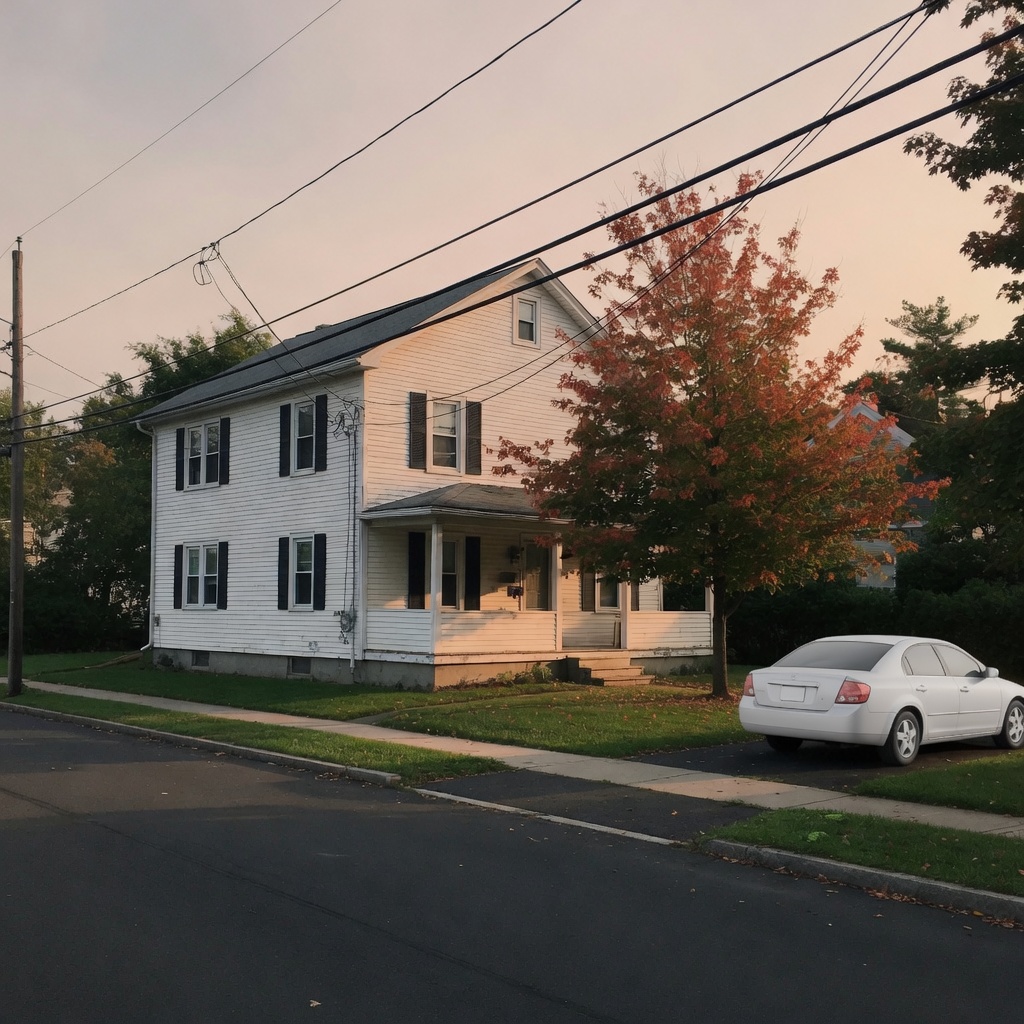 Before
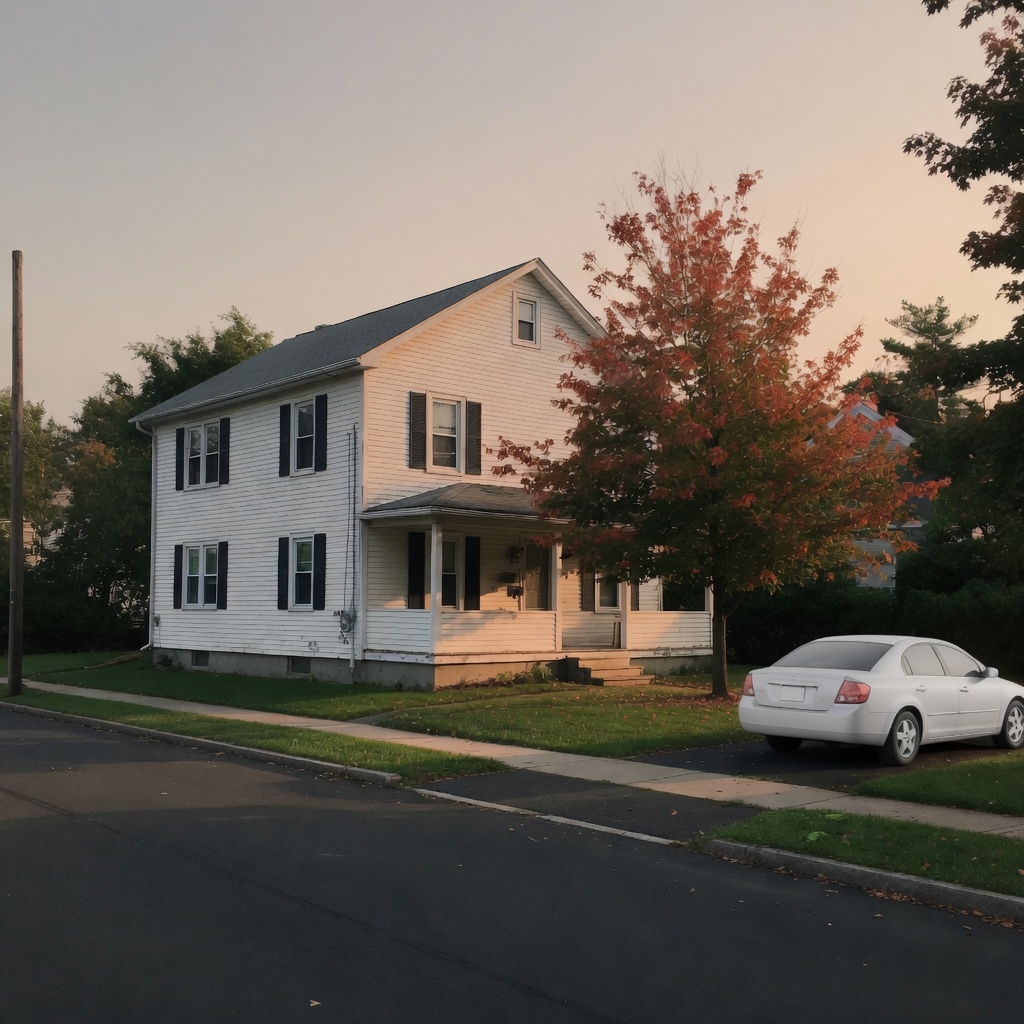 After
After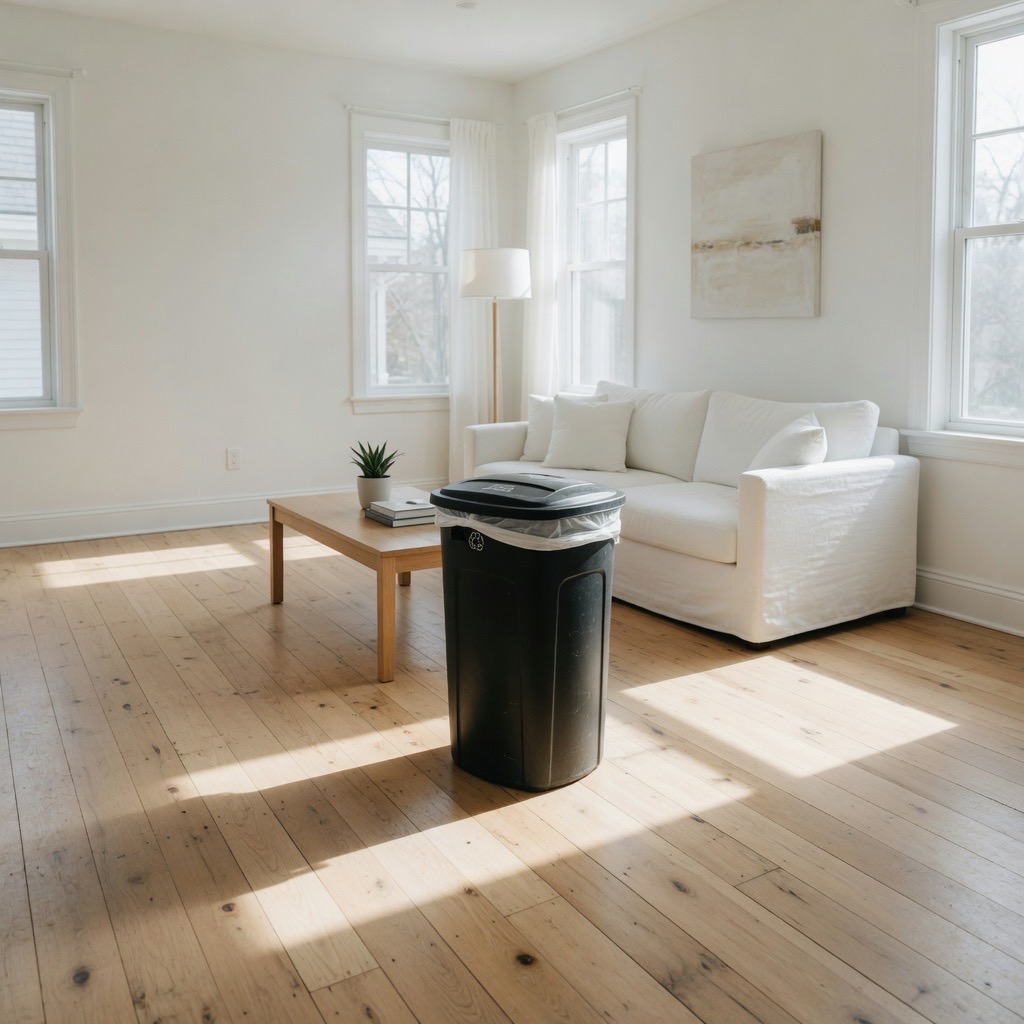 Before
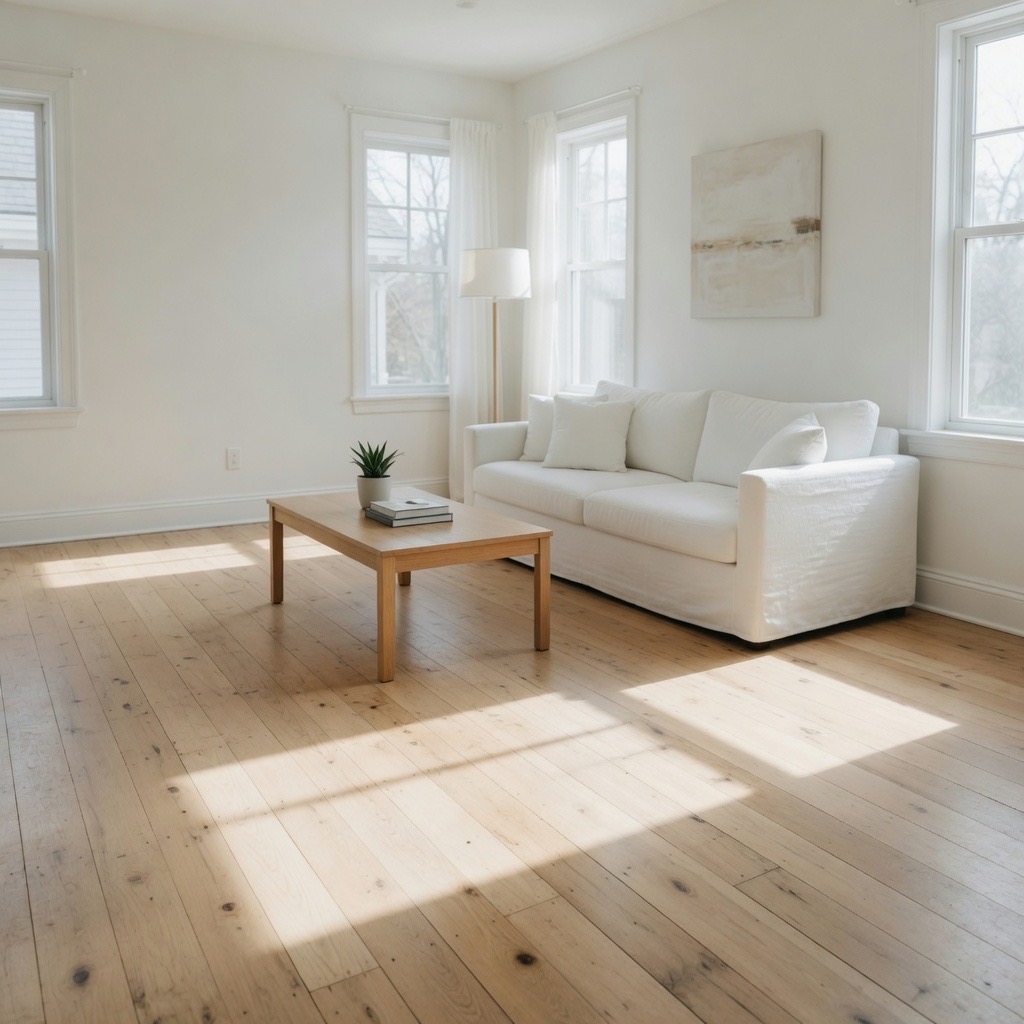 After
After Before
 After
AfterTrusted by innovative teams at
Remove object from photo is an edit pass when the file is fine and one thing is not. Power lines across a country road. A trash can in a listing still. A construction sign on an empty beach. You upload that file, name the extra object, and download a draft with the gap filled. That is remove object from photo on this URL — a new still, not a stamp that clones empty cobbles from the next tile.
The prompt stays on screen so you can name the extra object. Leave the filled pass, tap a chip for power lines, a trash can, a street sign, or clutter, or type one extra clause. You do not have to write a prompt from scratch. There is no brush. House model is 2 credits, same as the homepage editor. If the extra is a person, use Remove person from photo instead.
The model redraws the still. The old pixels are gone. Check the fill before you print a listing or post the only copy you have.
People remove an object from a picture because this is the only frame they kept, and a phone eraser or a shop already failed.
Cables across a sky. Tap Power lines. Name which wires if two poles sit close. We do not return the original file. Keep that upload.
A listing still with one bin you did not want in the crop. Check the floor after the pass. A shadow that belonged to the can can stay.
Searches also say how to remove an object from a photo on iPhone. Those tools stay on the phone. This URL is a separate prompt pass if they left a smear.
The filled prompt asks for two jobs when you remove object from photo. Erase the extra object. Fill the gap with matching background. Keep the camera, crop, lighting, and the rest of the still. Tap Street sign for a board in sand. Tap Clutter if several small things sit on a floor. Add a request if that still is not enough.
Edges can smear. A reflection of the object can stay. Overlapping clutter often leaves a patch. If the first pass is close, use Use this photo on the result and name one leftover shadow. If it wandered, upload the original again.
Three steps to remove object from photo. Upload first. The prompt is already there if you want to name what to erase.
Drop a JPG, PNG, or WEBP up to 24MB. Save a HEIC as JPG first. No file, no generate. We do not take a folder.
The box is filled. Leave it, tap a chip, or name the extra object. You can remove object from photo without writing a new sentence.
House model is 2 credits. Check the rest of the still. First try is free with no sign-in, then sign in for 5 credits a day.
Remove object from photo accepts JPG, PNG, or WEBP up to 24MB. That is the upload box. We do not open HEIC, PSD, RAW, or a ZIP. Convert those first. A still from a video is fine if you export one frame.
Remove object from photo one file at a time. We do not batch a camera roll. Leave the original in Recents after you upload it. If the first pass is close, use Use this photo and name one leftover object. If it wandered, put the original upload back.
These frames are example stills for this page, not camera originals and not copied from another site. Left has the extra object. Right is a prompt that asked to remove object from photo. Your upload will not match these scenes. The fill can drift — check yours.
Photoshop Remove tool, a Cleanup.pictures brush, Fotor object remover, and phone Magic Eraser ask you to paint a region or tap a detected blob. Remove object from photo here is a sentence. It is faster when you can name the extra object. It is worse when you need a pixel-exact empty street, or when two objects share one shadow.
Use this URL after those brushes failed, or when you do not want to install a shop. Do not send the draft to a court as the original. If you want a new scene behind the subject, open Change photo background instead — that is a swap, not a fill.
Everyday remove object from photo drafts cost 2 credits. Sign in for 5 credits a day. Packs are one-time on Pricing. Failed generations are not charged. Library time is 24 hours on a free account and 7 days after you buy a pack.
The photo leaves this browser. Generate sends it to the house model. This is not a no-upload, no-login, on-device eraser. Download anything you want to keep.
This page only edits a picture you can still open. It does not remove objects from video. If the still looks too plastic after the fill, use Remove AI look on the download. If the file is only soft, use Unblur image first.

Sign in to start creating — no credit card required.
Continue with GoogleBy signing in, you agree to our Terms of Service, Acceptable Use Policy, and Privacy Policy.
Your feedback helps us make AI Photo Editor better.
Enjoying AI Photo Editor?

Thank you for your feedback
We'll review your message and reply if needed. Thanks for helping improve AI Photo Editor.