The one shaky shot
A ceremony, a send-off, a kid on a sofa. You unblur image because there is no second take. We do not return the original file. Keep that upload.
AI Photo Editor AI tools Unblur image
Upload a soft or shaky still to unblur image. The prompt is already filled — add a request if you want, then generate. Sign in for 5 credits a day. This is a new still, not recovered original pixels.
JPG, PNG, or WEBP. Max 24MB.
 Before
 After
After Before
 After
After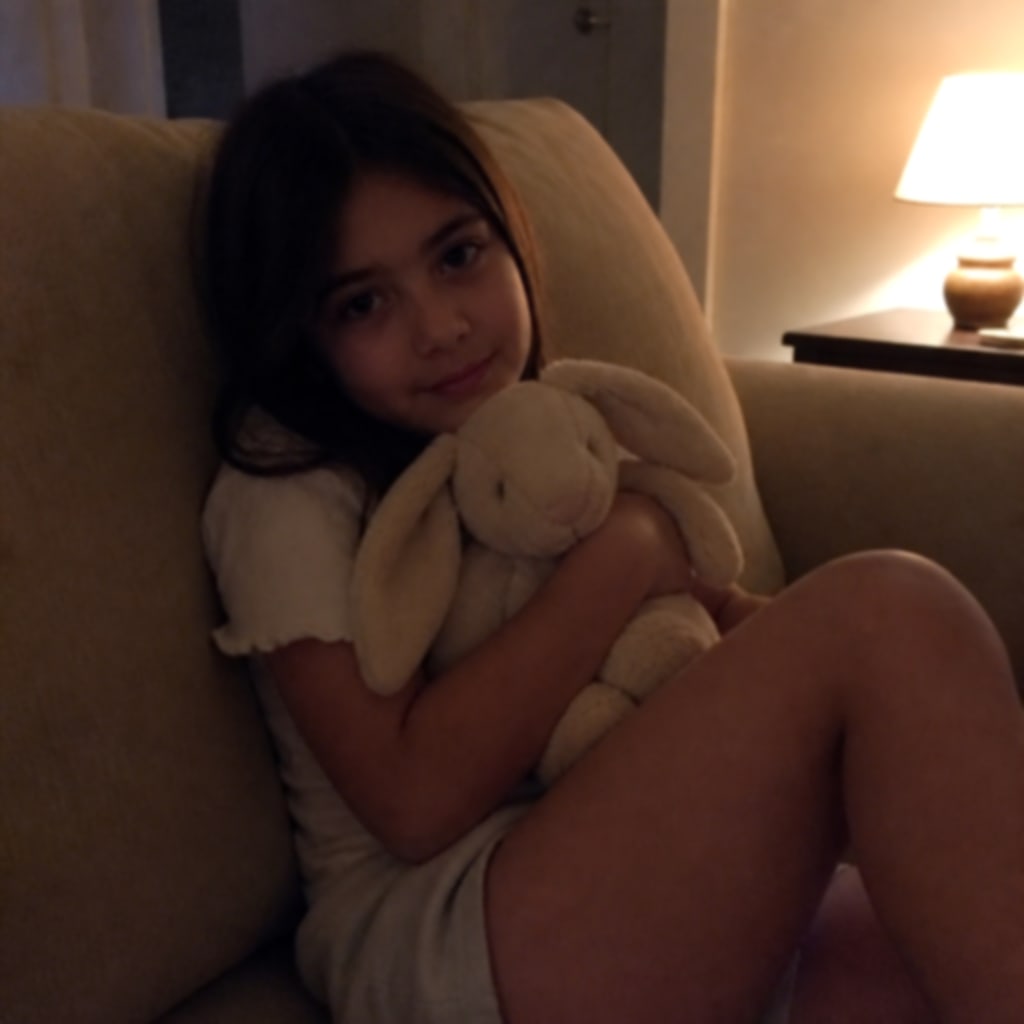 Before
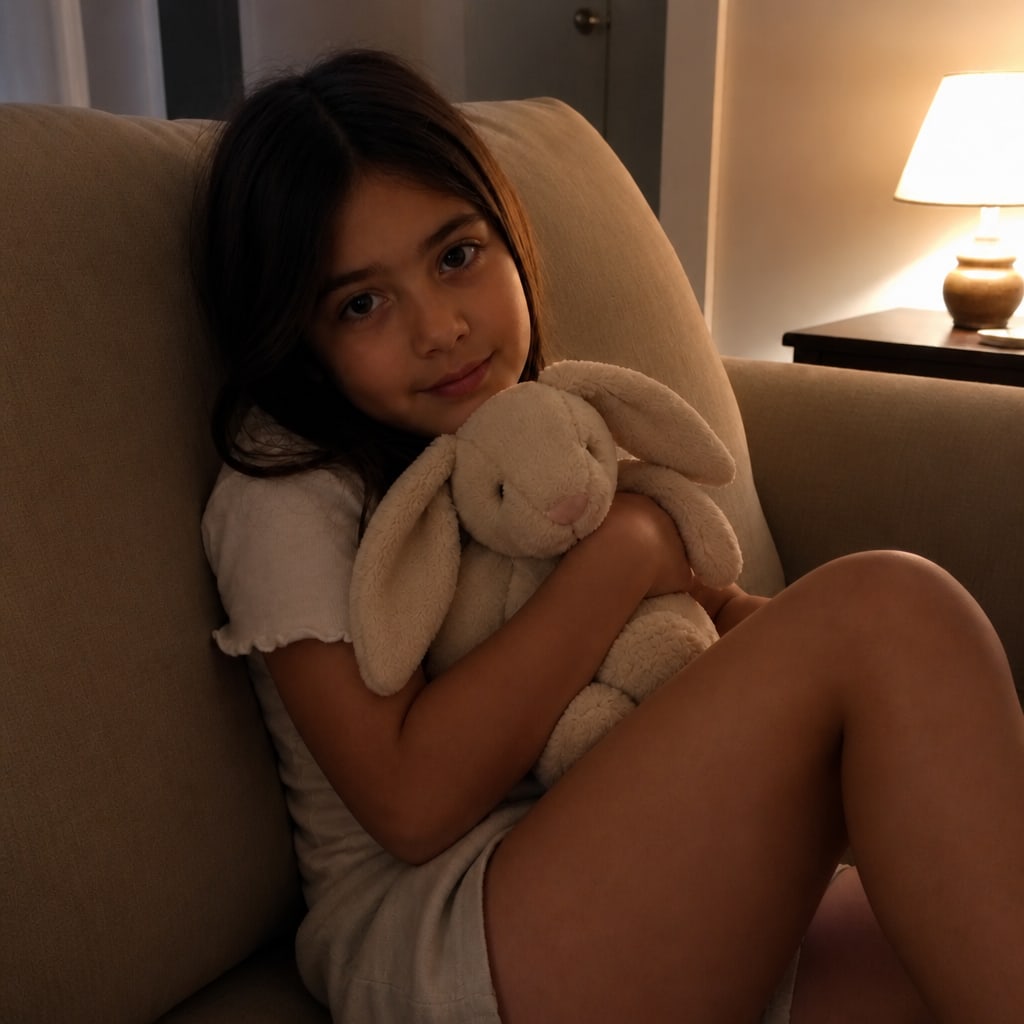 After
AfterTrusted by innovative teams at
Unblur image is an edit pass when the file still exists and the edges do not. A wedding still that shook. A kitchen portrait that missed focus. A low-light sofa shot that went soft. You upload that file and download a sharper draft. That is unblur image on this URL — a new still, not a lab that returns the original pixels.
The prompt stays on screen so you can add a request. Leave the filled pass, tap a chip for motion, soft focus, or low light, or type one extra clause. You do not have to write a prompt from scratch. House model is 2 credits, same as the homepage AI photo editor.
The model redraws the still. The old pixels are gone. Check the faces before you print a card or post the only copy you have.
People unblur photos because this is the only frame they kept, and Canva, Google Photos, or a phone slider already failed.
A ceremony, a send-off, a kid on a sofa. You unblur image because there is no second take. We do not return the original file. Keep that upload.
Autofocus grabbed the mug, not the face. Tap Soft focus. Check the eyes. A face that never had an edge will be guessed.
Searches also say how to unblur a picture on iPhone. Those sliders stay on the phone. This URL is a separate prompt pass if they were not enough.
The filled prompt asks for two jobs when you unblur image. Recover edges and texture. Keep the same people, faces, clothes, and framing. Tap Motion blur for camera shake. Tap Soft focus for a missed autofocus still. Tap Low light if noise and dim lamps are the problem. Add a request if that still is not enough.
Identity can drift. Teeth can change. A smear that ate the iris will be invented. Tiny text, plates, and receipts often stay wrong. If the first pass is close, use Use this photo on the result and add one sentence. If it wandered, upload the original again.
Three steps to unblur image. Upload first. The prompt is already there if you want to add a request.
Drop a JPG, PNG, or WEBP up to 24MB. Save a HEIC as JPG first. No file, no generate. We do not take a folder.
The box is filled. Leave it, tap motion, soft focus, or low light, or type one extra request. You can unblur image without writing a new sentence.
House model is 2 credits. Check eyes, teeth, and hairline. First try is free with no sign-in, then sign in for 5 credits a day.
Unblur image accepts JPG, PNG, or WEBP up to 24MB. That is the upload box. We do not open HEIC, PSD, RAW, or a ZIP. Convert those first. A still from a video is fine if you export one frame.
Unblur image one file at a time. We do not batch a camera roll. Leave the original in Recents after you upload it. If the first pass is close, use Use this photo and name one leftover smear. If it wandered, put the original upload back.
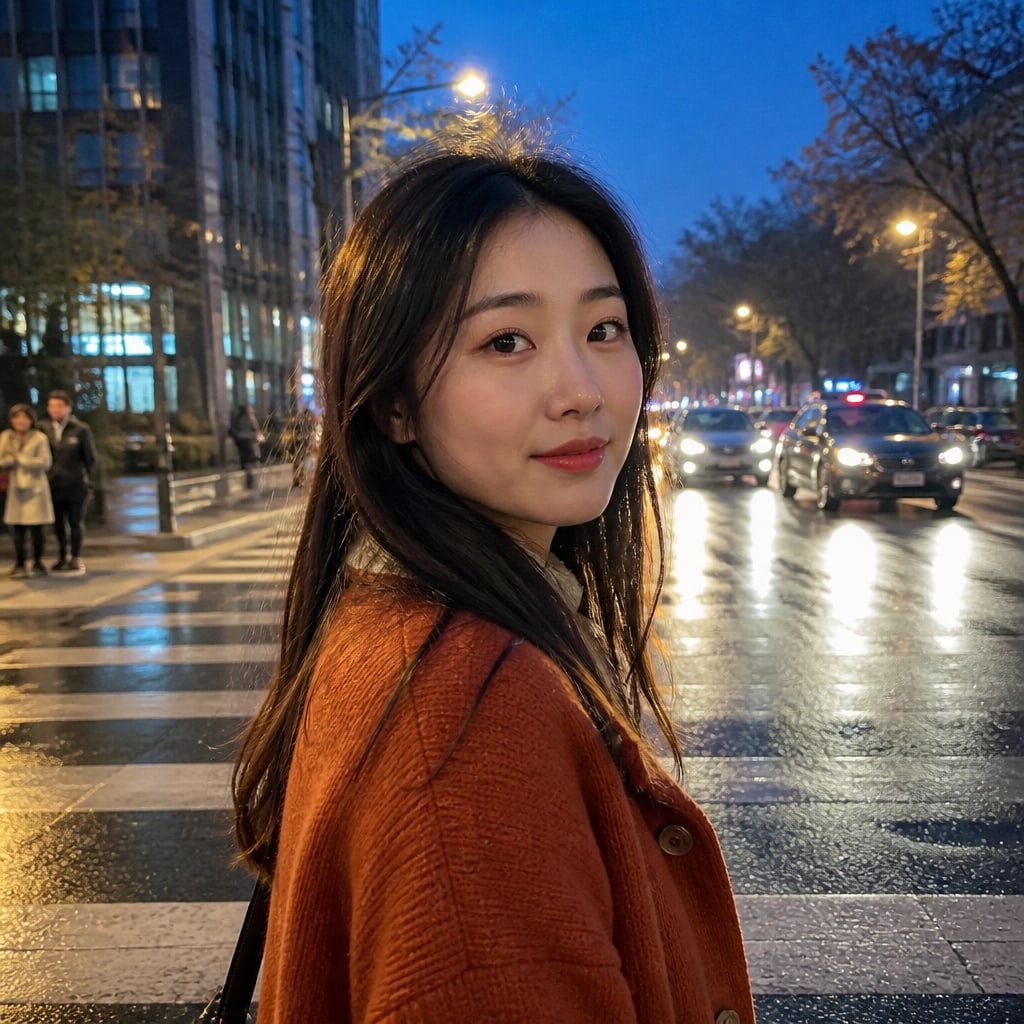
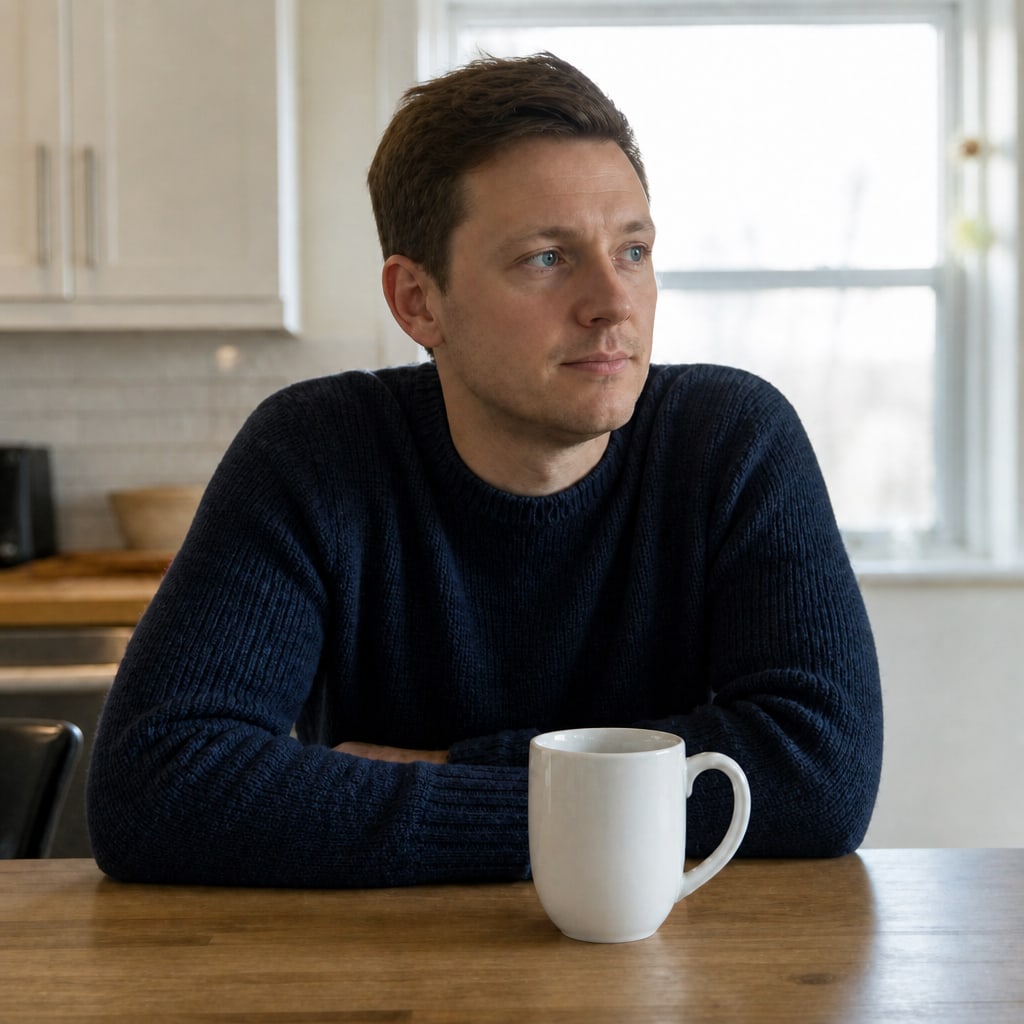
These frames are example stills for this page, not camera originals and not copied from another site. Left is the soft file. Right is a prompt that asked to unblur image. Your upload will not match these people.
Photoshop Unsharp Mask, Canva clarity, and Google Photos enhance raise contrast on the pixels you still have. Unblur image here draws a new draft. It is faster for a first look. It is worse when the face never had an edge, or when you need a plate or a receipt to stay exact.
Use this URL after those sliders failed. Do not send the draft to a court or a museum as the original. If the print is old and yellow, open Restore old photos instead.
Everyday unblur image drafts cost 2 credits. Sign in for 5 credits a day. Packs are one-time on Pricing. Failed generations are not charged. Library time is 24 hours on a free account and 7 days after you buy a pack.
This page only edits a picture you can still open. It does not unblur video. If the still looks too plastic after the unblur, use Remove AI look on the download.

Sign in to start creating — no credit card required.
Continue with GoogleBy signing in, you agree to our Terms of Service, Acceptable Use Policy, and Privacy Policy.
Your feedback helps us make AI Photo Editor better.
Enjoying AI Photo Editor?

Thank you for your feedback
We'll review your message and reply if needed. Thanks for helping improve AI Photo Editor.